What is Finder?
From catalog to shelf in seconds.
Finder helps library users locate physical materials through an intuitive map connected to the catalog and the main LMS/SIGB systems used by libraries.
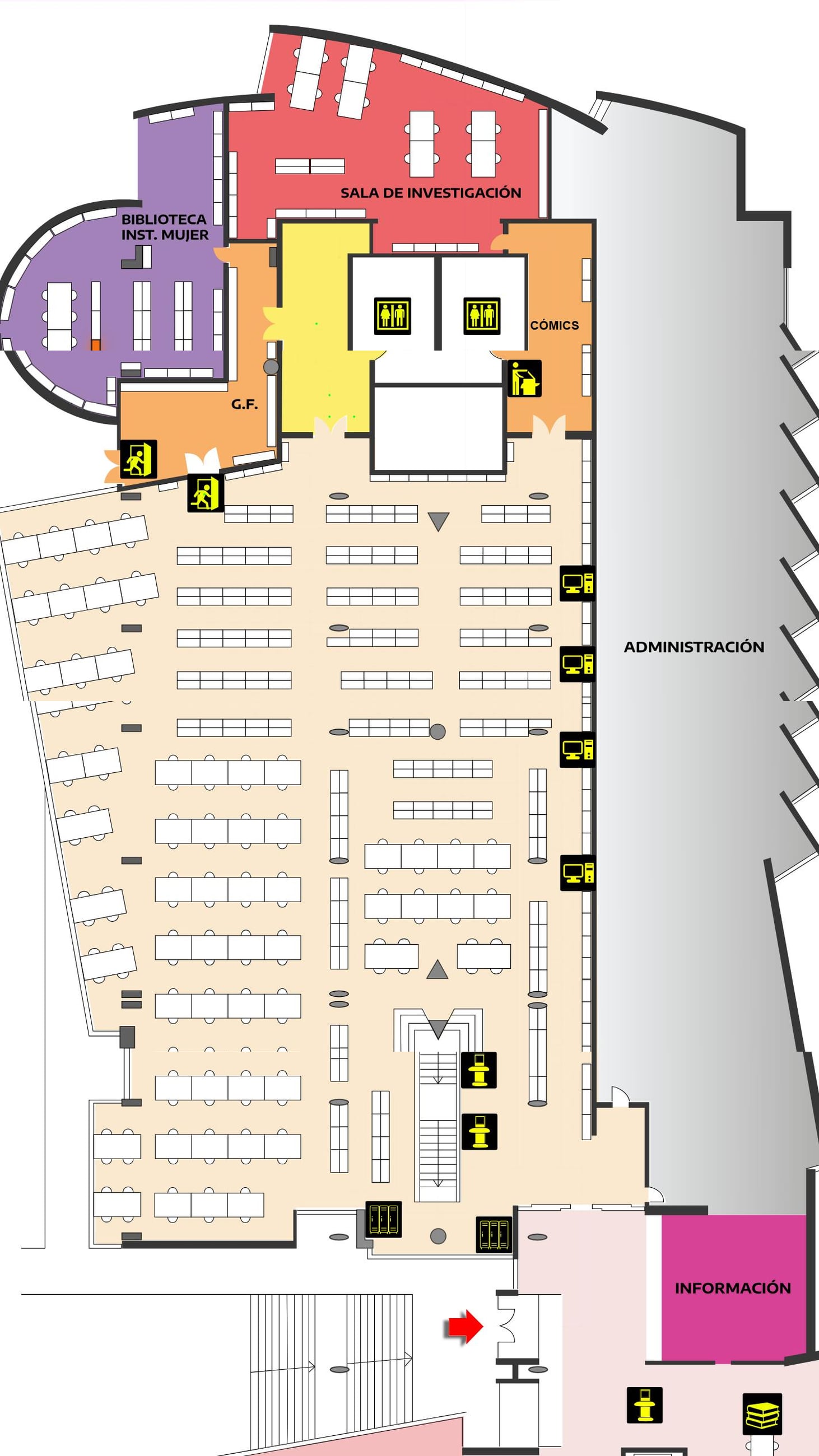
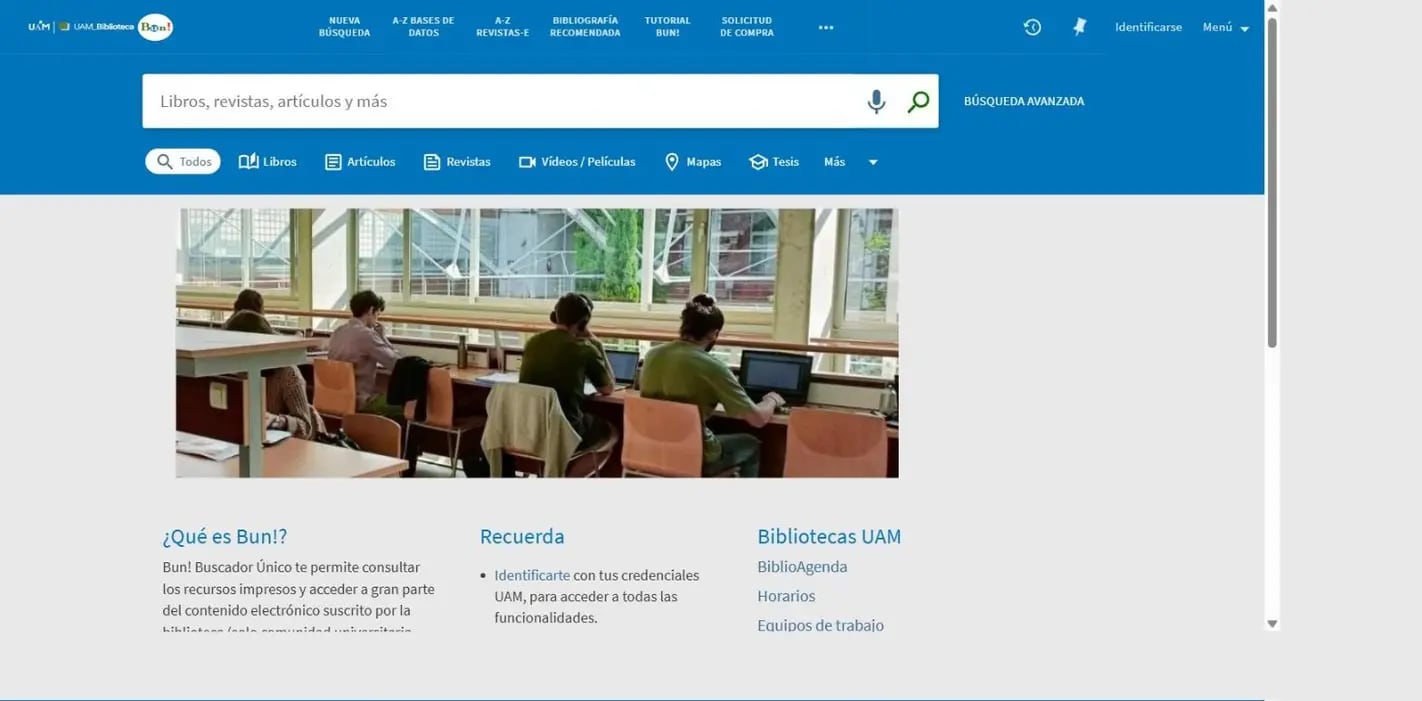
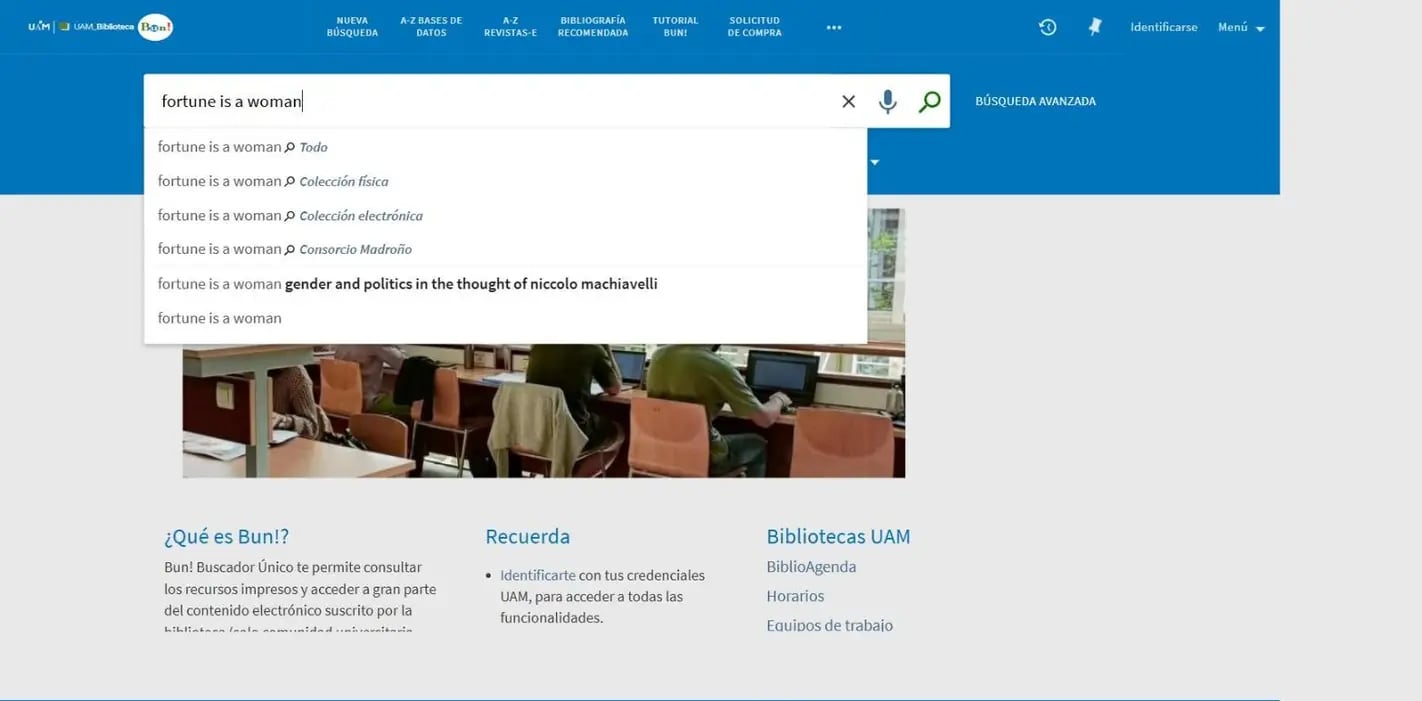
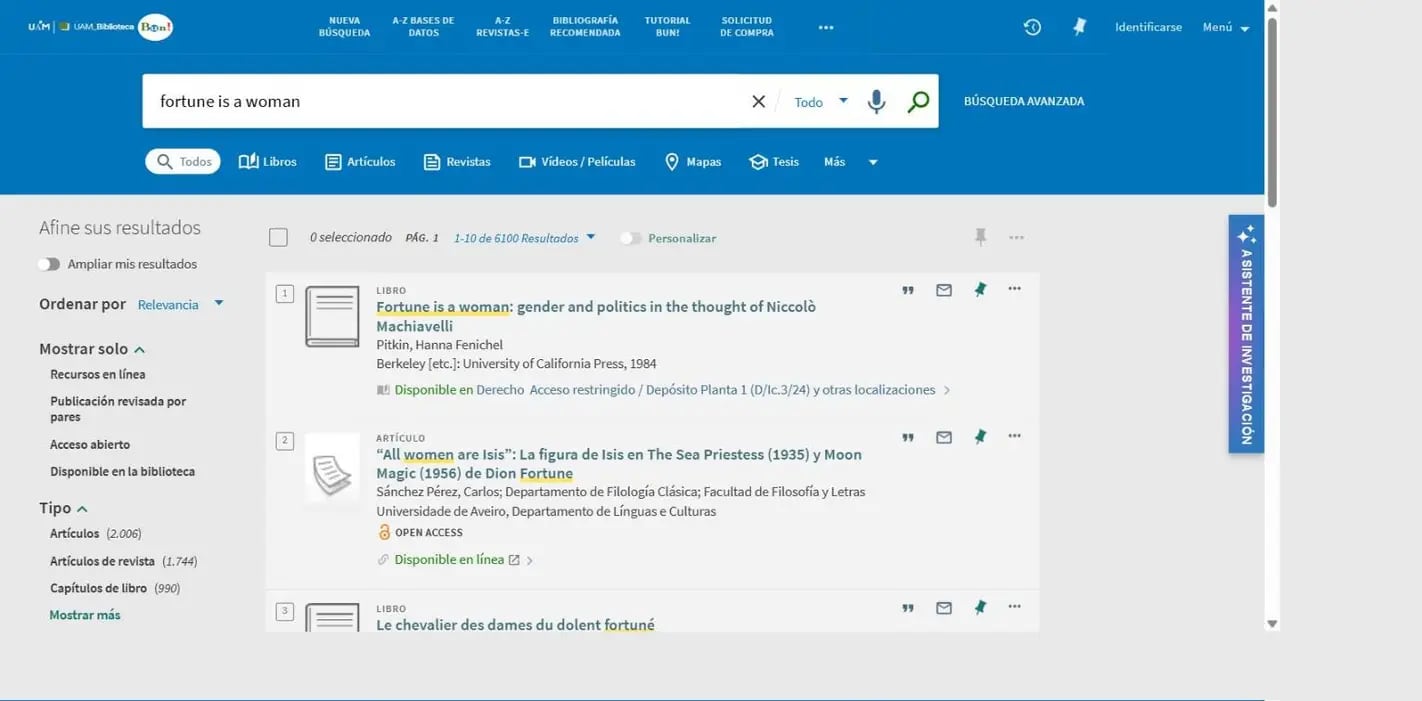
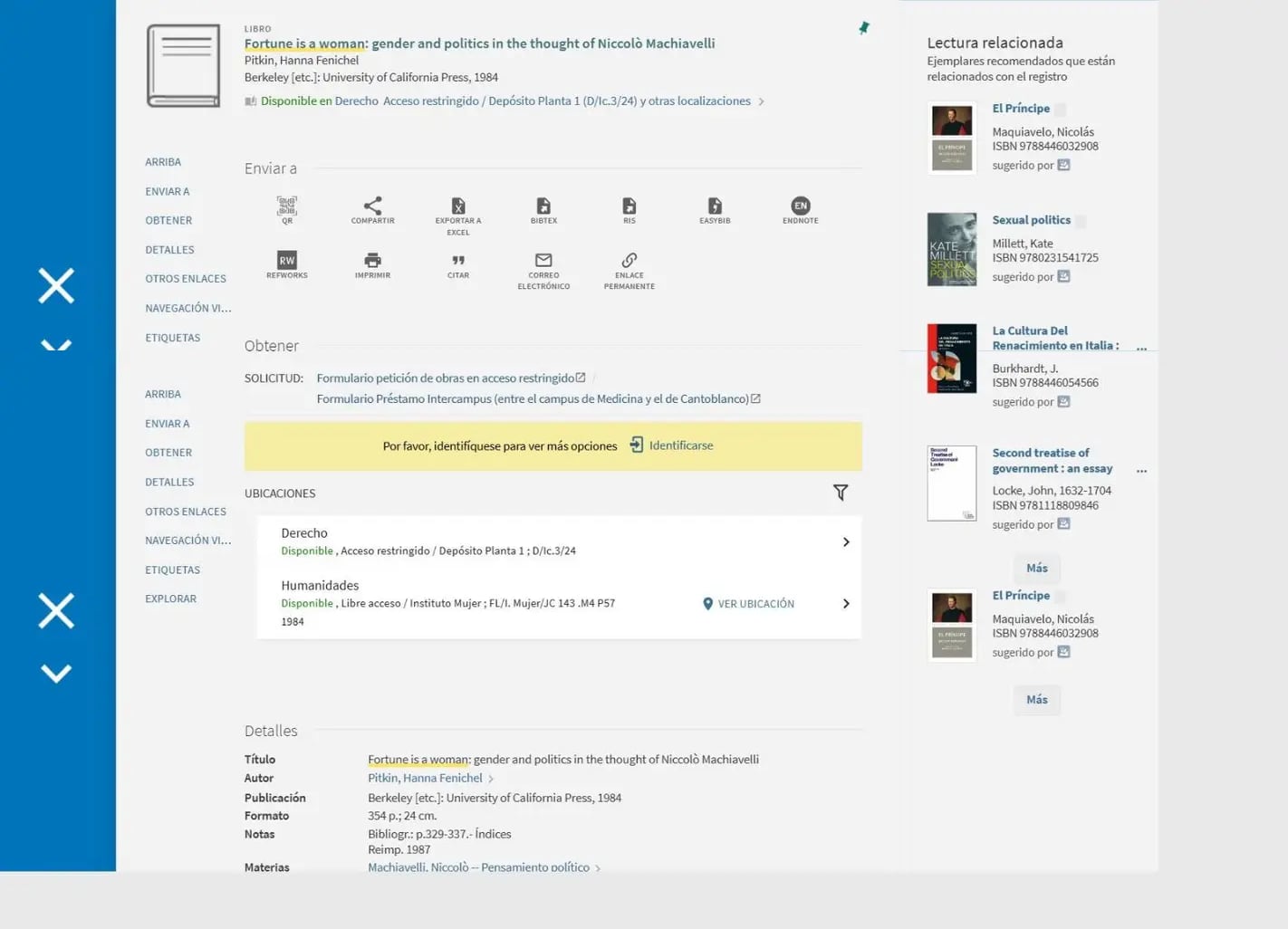

Finding a title should not end at the catalog.
Large collections and complex buildings can make open-access materials difficult to locate. Finder connects search results to the physical space, helping users move forward without getting lost between a call number, a floor plan and the shelf.
From catalog to shelf
Search. Locate. Navigate. Find.
-
Search
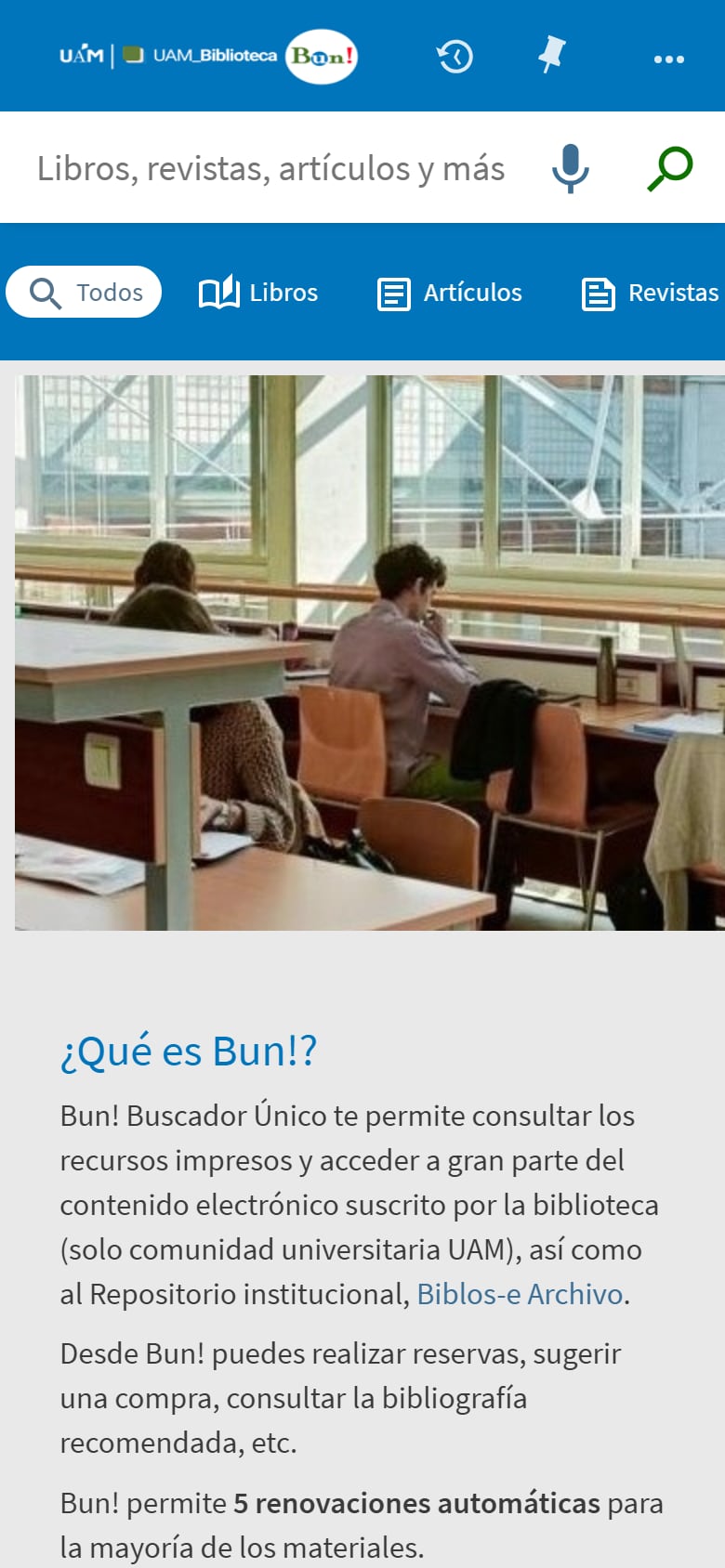
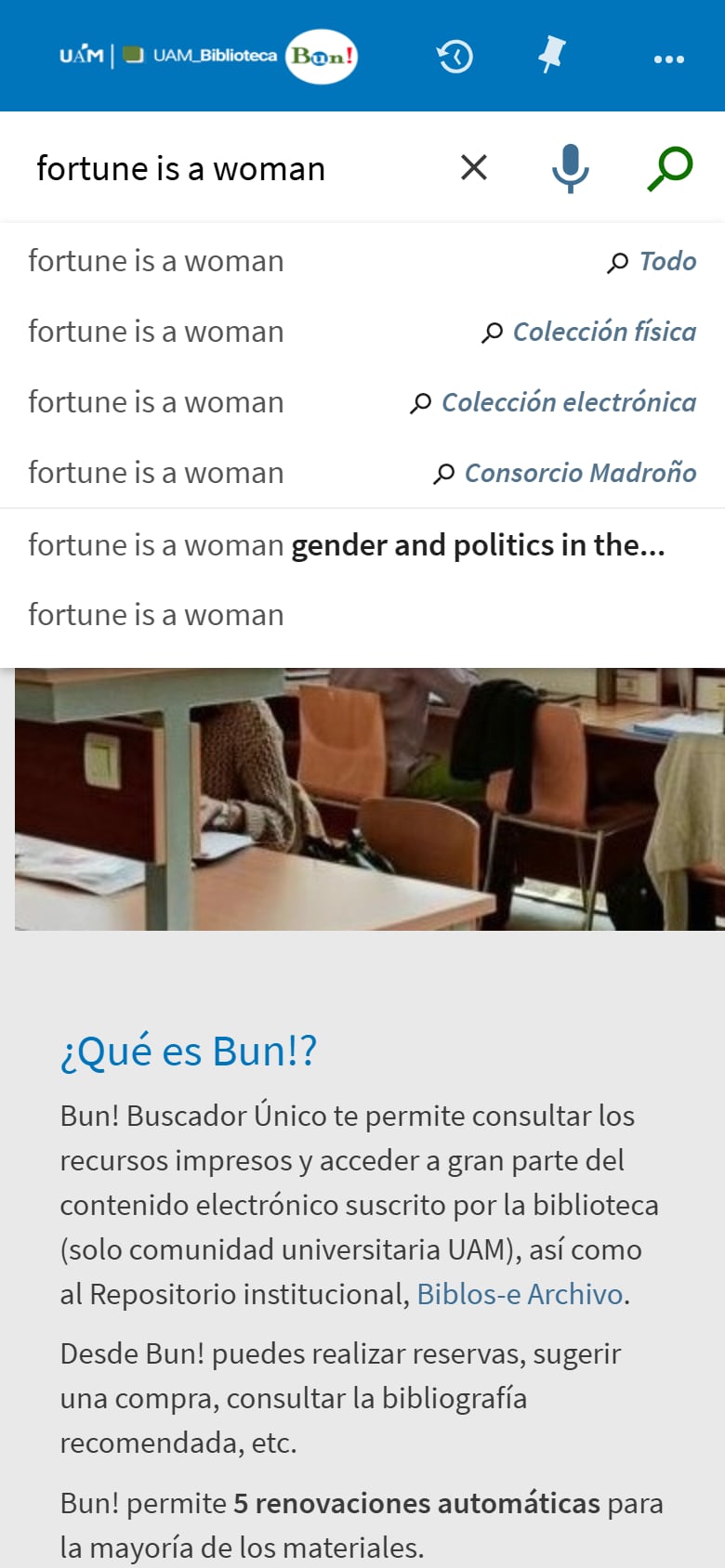
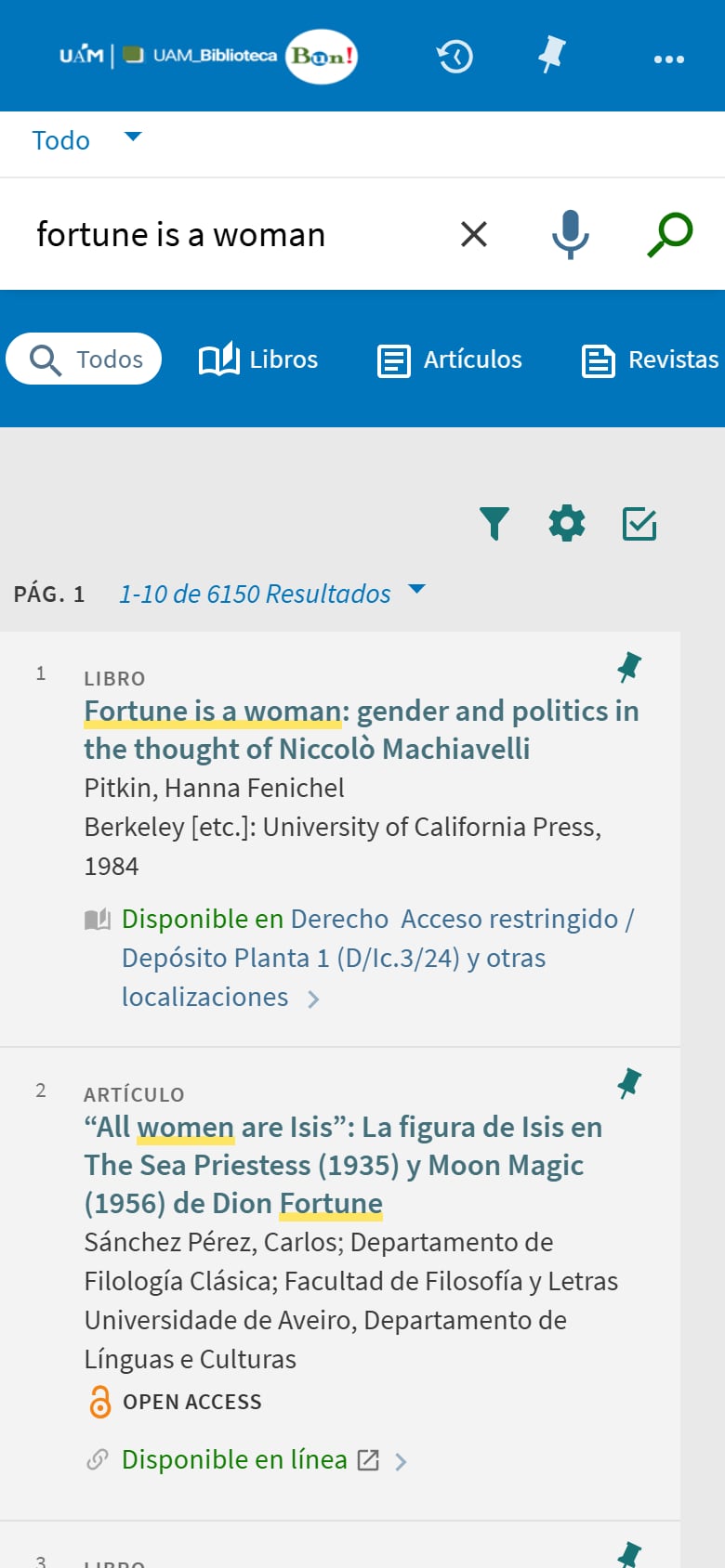
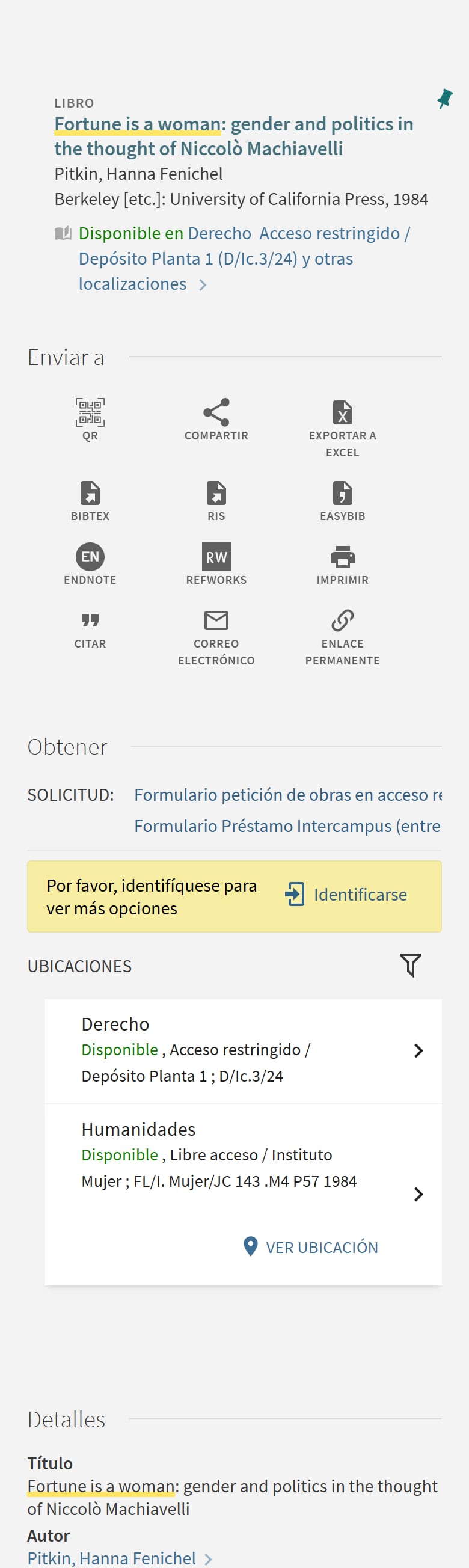
Search in the catalog your library already uses or directly on a Finder touchscreen.
-
Locate
Finder receives the location details needed to identify the correct area.
-
Navigate
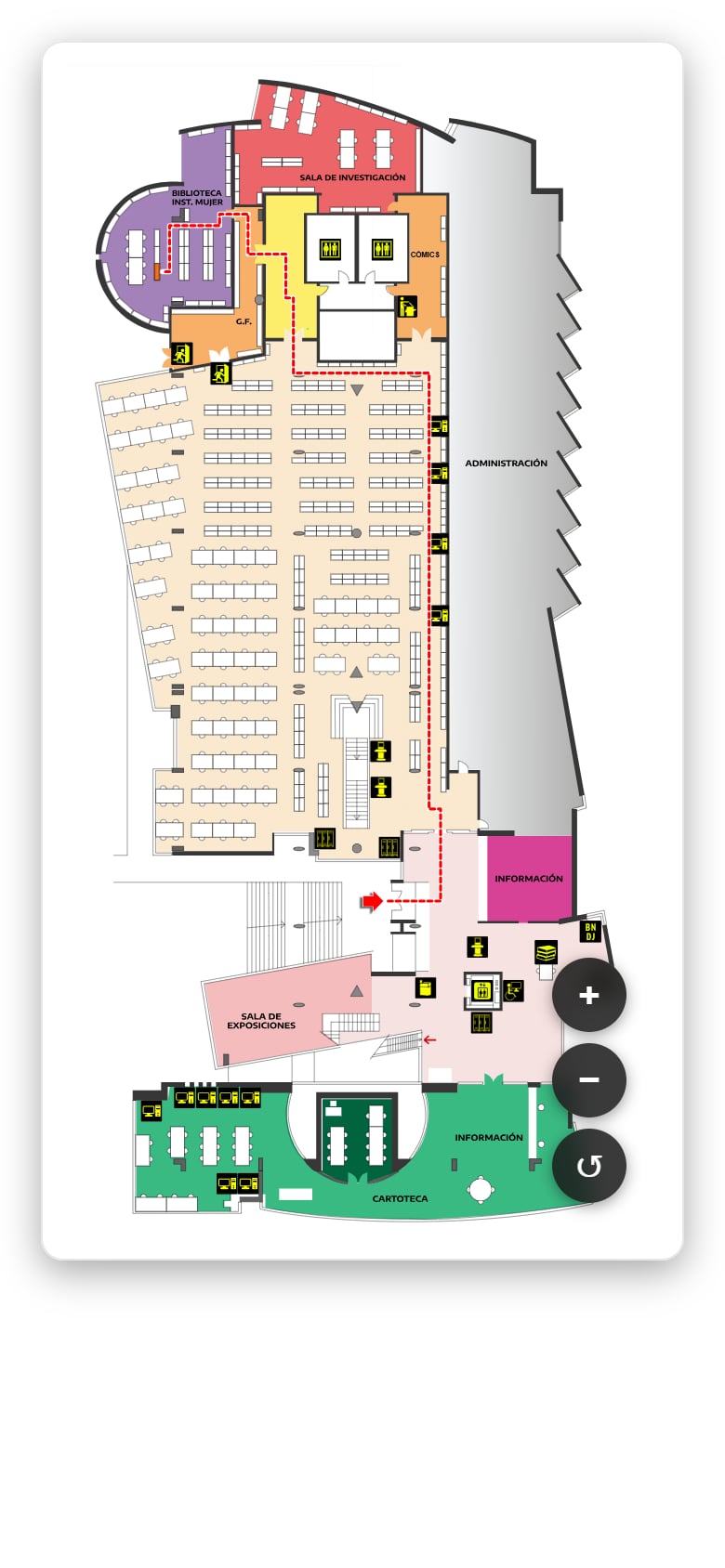
An interactive map shows where the material is located inside the building.
-
Find
Follow the visual guidance to reach the collection or shelf.

Real-world adoption
More than 2,000 organic searches in the first four weeks.
At the Universidad Autónoma de Madrid Humanities Library, users began using Finder naturally, without a service promotion campaign.
- 2,000+ total searches
- 600+ searches on interactive displays
- 1,500+ searches on the web
“It is a highly practical improvement for locating open-access collections, more than offsetting the cost and effort of implementation.”
Platform
One platform. Every library service.
Finder integrates search, navigation, events, news and conversational AI into a single multichannel ecosystem.
-
Core feature
Interactive wayfinding
Real-time navigation from catalog search to exact shelf location. Floor maps, section paths, QR mobile handoff.
-
LMS-connected
OPAC search
Touchscreen-optimized catalog interface connected to your existing LMS. Same powerful search, beautiful new UI.
-
AI-powered
Conversational AI
Voice-activated assistant for intuitive navigation and universal accessibility. Available as an optional module.
-
API ready
Events & cultural agenda
Manage talks, festivals and workshops with dates, locations and descriptions. API integration available.
-
Real-time
News portal
Direct channel for announcements from your library network. Always up to date, always on-brand.
-
32 languages
Multilingual
Dynamic management of up to 32 languages across the frontend and the dashboard. Inclusive and accessible.
-
Insights
Usage analytics
Insights into search queries, popular items and screen activity across your entire library network.
Dashboard
One console for the whole network.
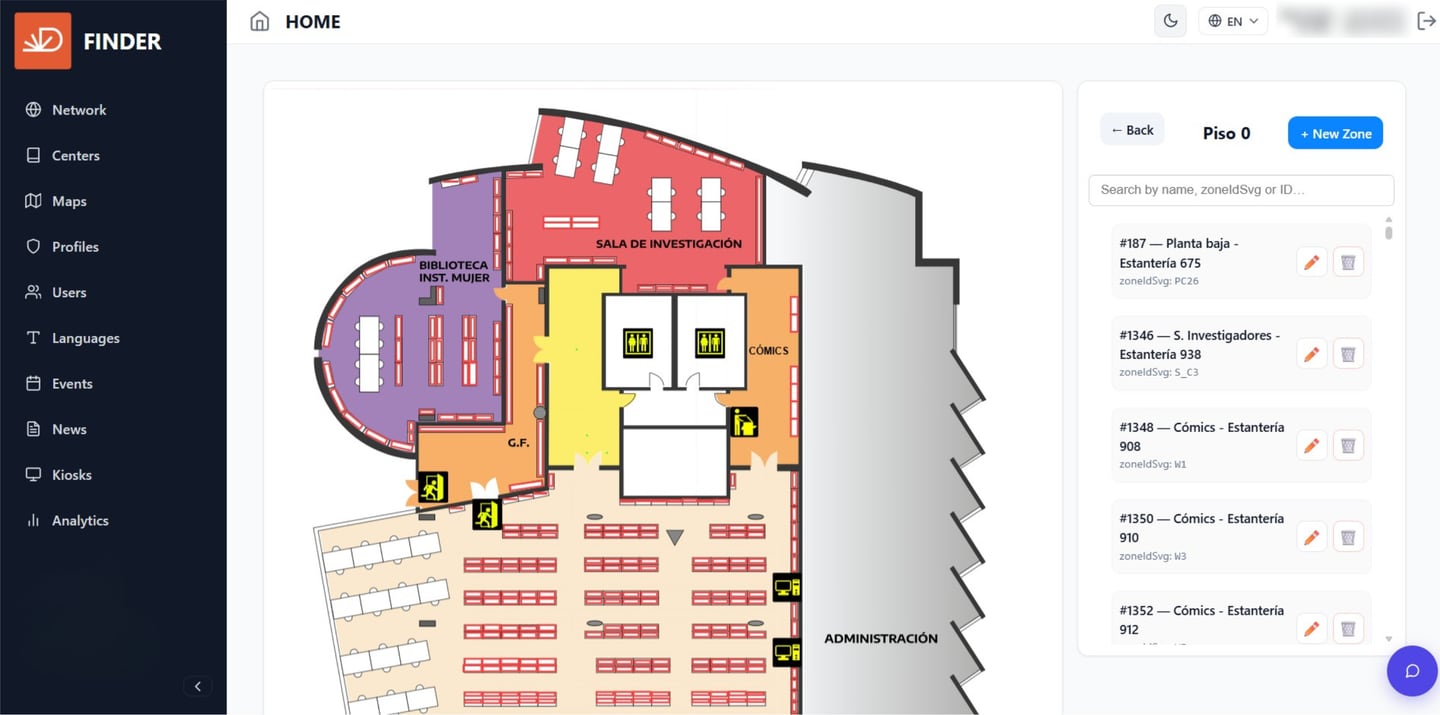
The Dashboard is where the Finder ecosystem is administered. Content, events, news and resources — everything published to the portal and to every display in the network — are managed in one place.
Reached from any browser, on any device. Nothing to install.
-
News and events
Create, edit and schedule cultural events across the whole network.
-
Display configuration
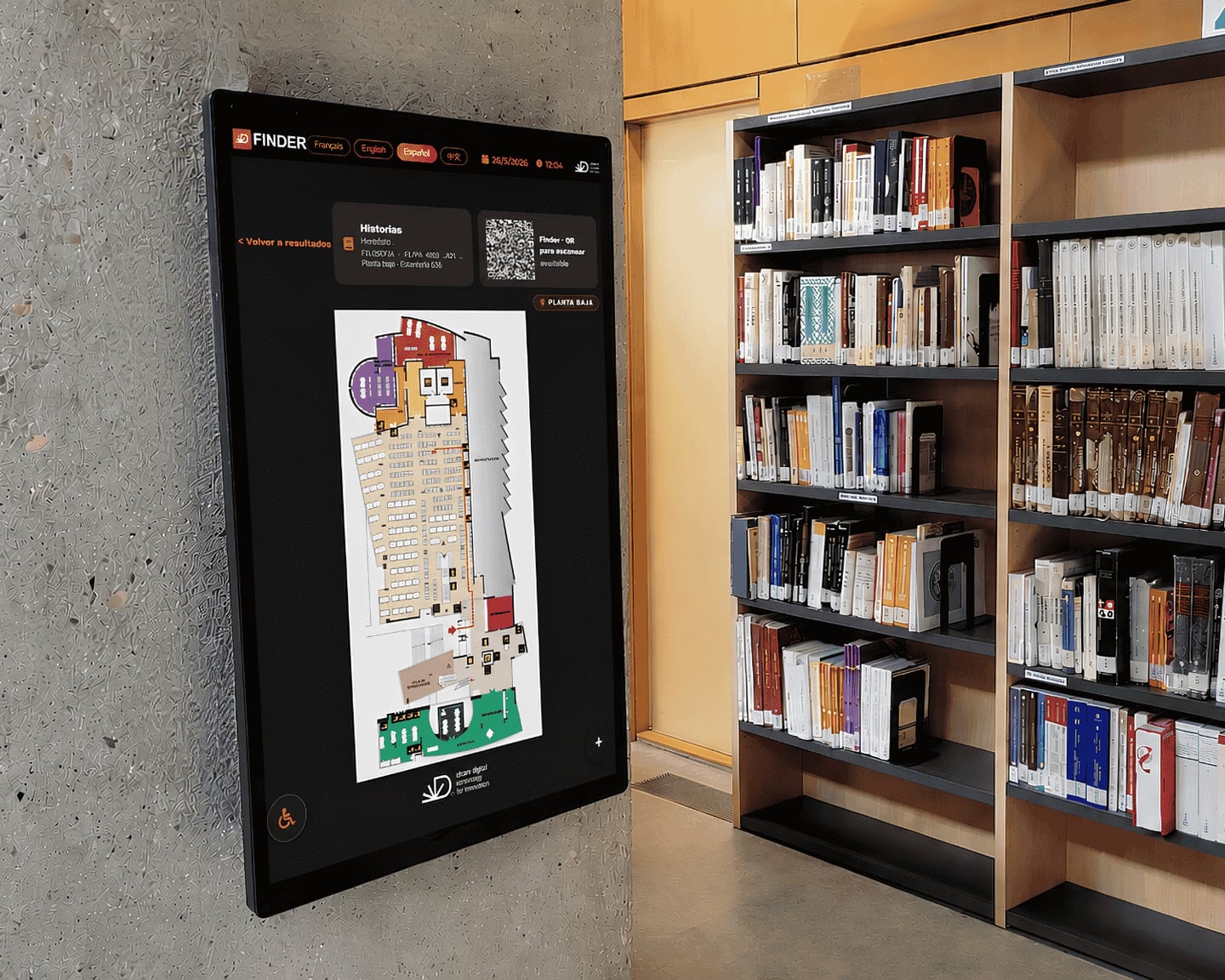
Assign content by location and by device, across the 22, 32 and 43-inch formats.
-
Languages
Multilingual management of both the interface and the content in it.
-
Wayfinding
Catalog integration, and the locations of the resources available.
-
Users
Access control, roles and permissions for library staff.
-
Usage metrics
Queries and activity, reported per display.
Hardware
Three formats, the same platform.
Interactive touchscreen hardware built for intensive 24/7 use, with an accessible and universal design. All three formats run the same Finder portal and are managed from the same Dashboard.
-
22-inch
Kiosk
Entrance and access
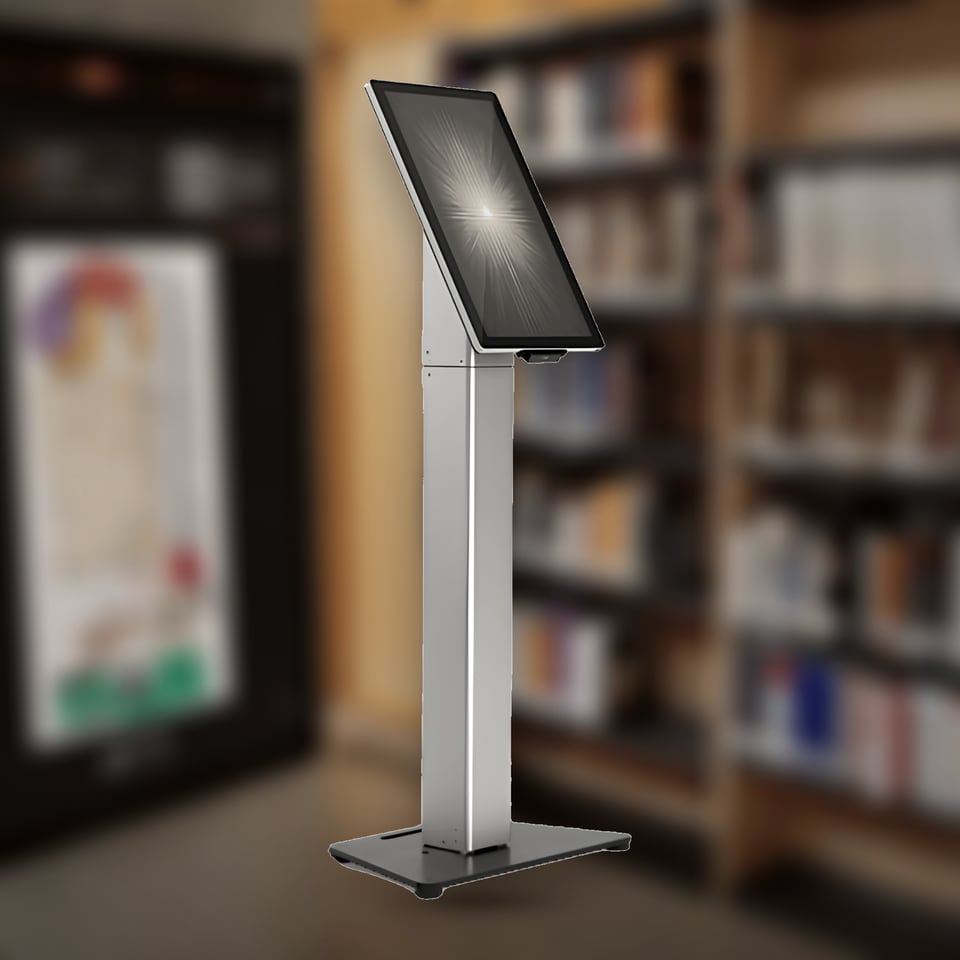
A freestanding unit on its own base. A thermal printer and an integrated QR reader are available as options.
-
32-inch
Professional display
Walls and shelving
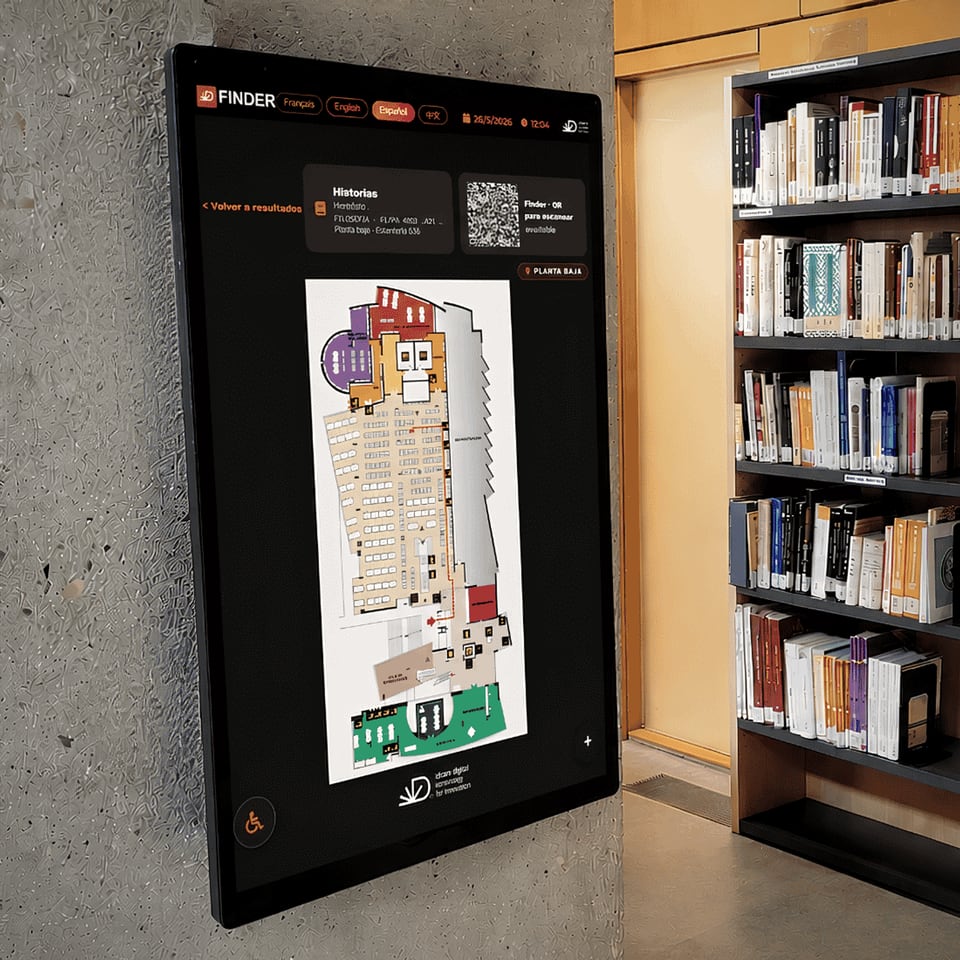
Vertical installation that takes no floor space. Suited to reading rooms and corridors.
-
43-inch
Large format
The centre of the library
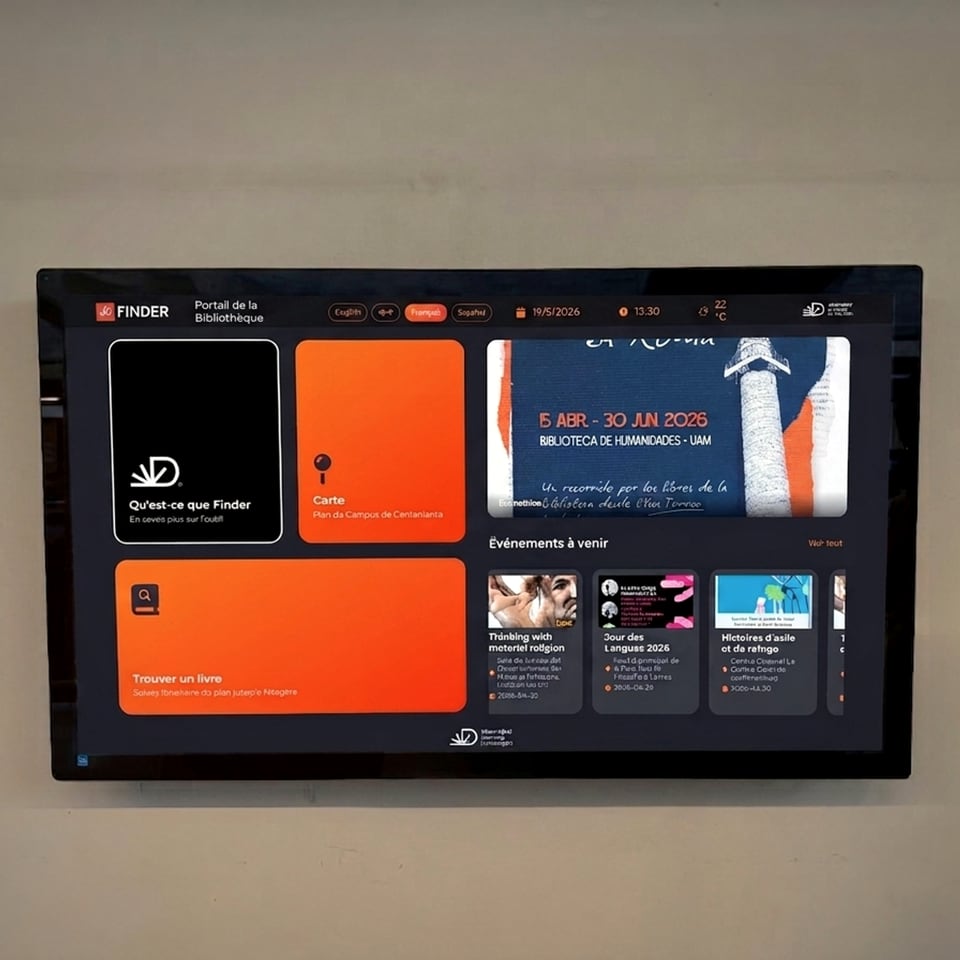
A horizontal reference screen, for maximum visibility and an immersive experience.
Security and operation

- Continuous 24/7 operation
- Universal accessibility design
Available where the search begins.
-
On the web
Open the map from a catalog search and view the location on a laptop or mobile device.
-
In the library
Let users search and locate materials through professional interactive displays.
-
On the move
Continue the journey on a mobile device when QR handoff is enabled.
-
Managed in one place
Keep content, locations, languages and screens coordinated through the Finder management environment.
Solutions
Built for every knowledge institution.
Campus-wide library intelligence at scale.
Finder connects every library across a campus into one discovery experience. Students and researchers find what they need, from the main library to a specialised collection.
- Multi-branch network managed from one Dashboard
- Integrates with the library management system already in place
- Multilingual interface for international student bodies
- Usage data by collection, subject and time period
A clearer self-service experience for every visitor.
Finder connects the catalogue to the building, so a reader can find a book, a room or an activity without queuing at the desk.
- Fewer repeat questions at the information desk
- Guidance towards books, rooms and activities
- Events and announcements on the same screen
- Information kept coordinated across every branch
Orientation from the moment a visitor arrives.
Interactive maps and accessible routes in several languages, for exhibitions and buildings that are hard to read at a glance.
- Interactive maps and accessible routes, in several languages
- Suited to complex buildings
- Frees the front-of-house team for interpretation work
- More independence for visitors, who find their own way
Learn with Finder
Practical resources for better library wayfinding.
Explore guides, videos, webinars and answers designed for library leaders, teams and users.
See how Finder could work in your library.
Tell us about your collection, building and catalog environment. Our team will show Finder in action, answer your questions and prepare a proposal based on your needs.