Resources
Practical knowledge for better library wayfinding.
Explore Finder tutorials, videos, guides and ideas for helping users discover and locate physical materials.
-
FAQ
What is Finder?
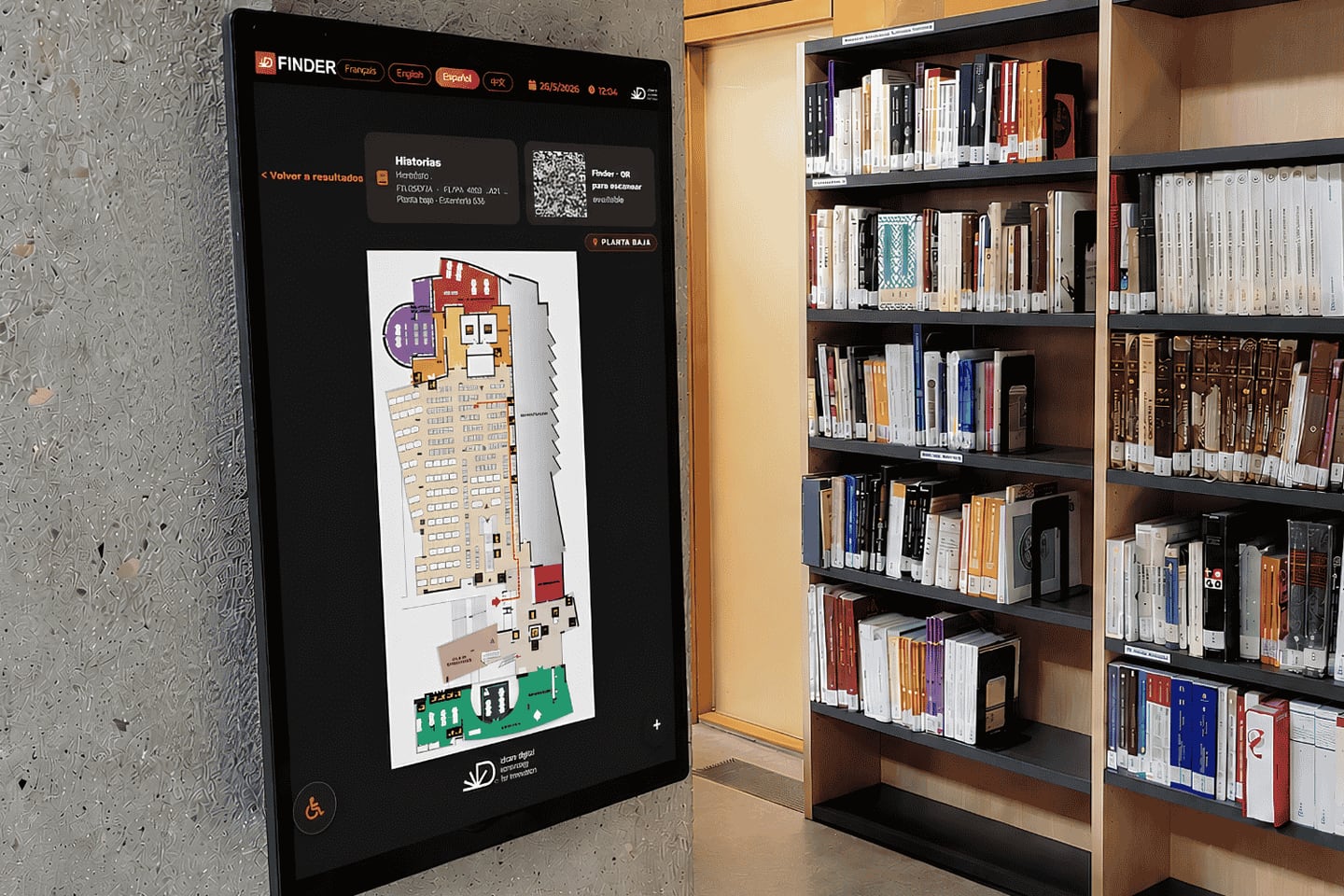
Finder is a digital location and wayfinding solution that helps library users find physical materials. It connects catalog discovery with an interactive map, so users can move from a search result to the relevant area of the library more easily.
-
FAQ
Does Finder replace the LMS/SIGB?
No. Finder is designed to integrate with the main LMS/SIGB systems used by libraries. It uses the location information needed to guide users while the LMS/SIGB continues to manage the library's core bibliographic and operational processes.
-
FAQ
Does Finder replace the OPAC?
No. Finder complements the OPAC. Users can continue searching through the interface they already know and open Finder when they need visual guidance to the physical location of an eligible item.
-
Article
What can you do from the Finder management dashboard?
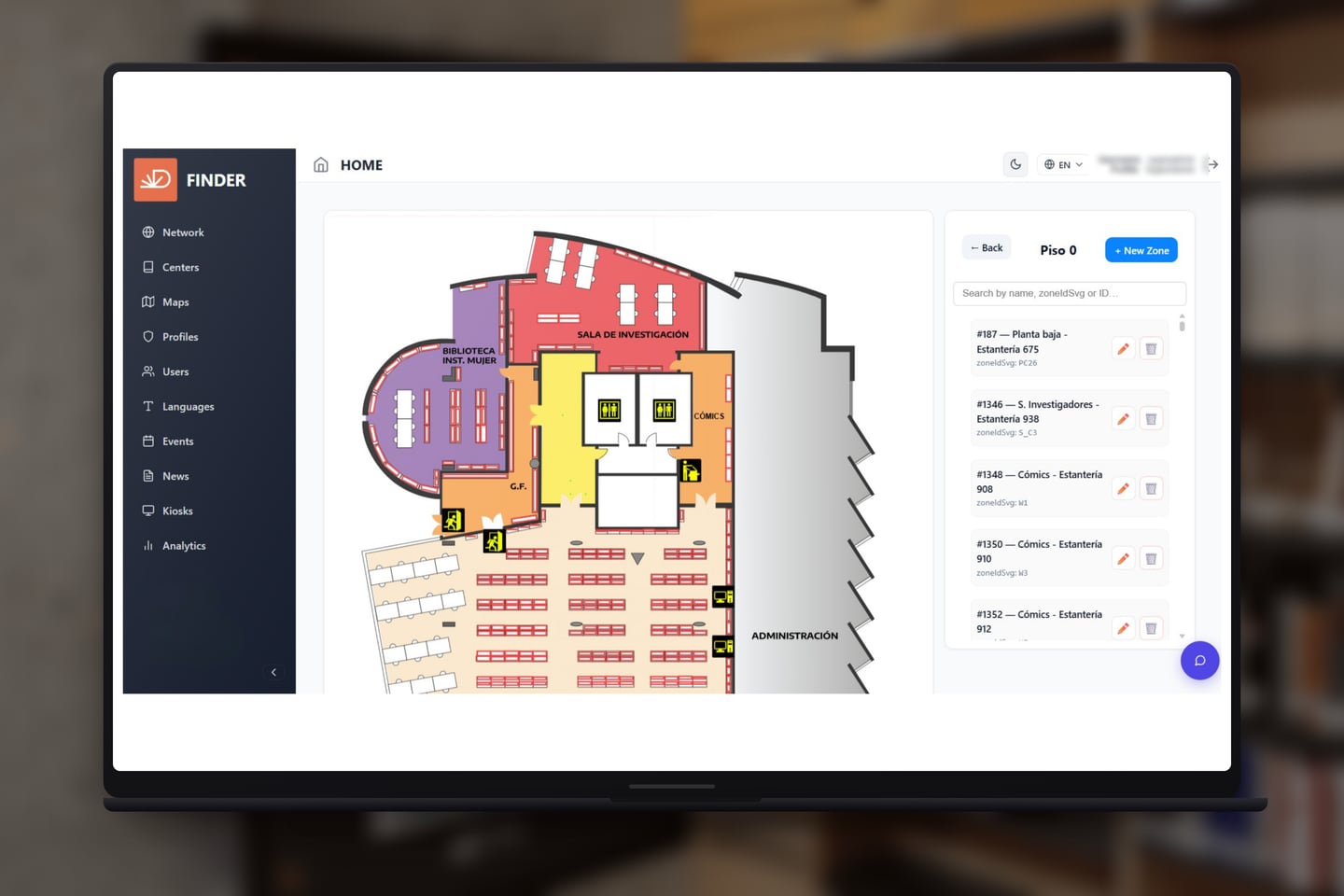
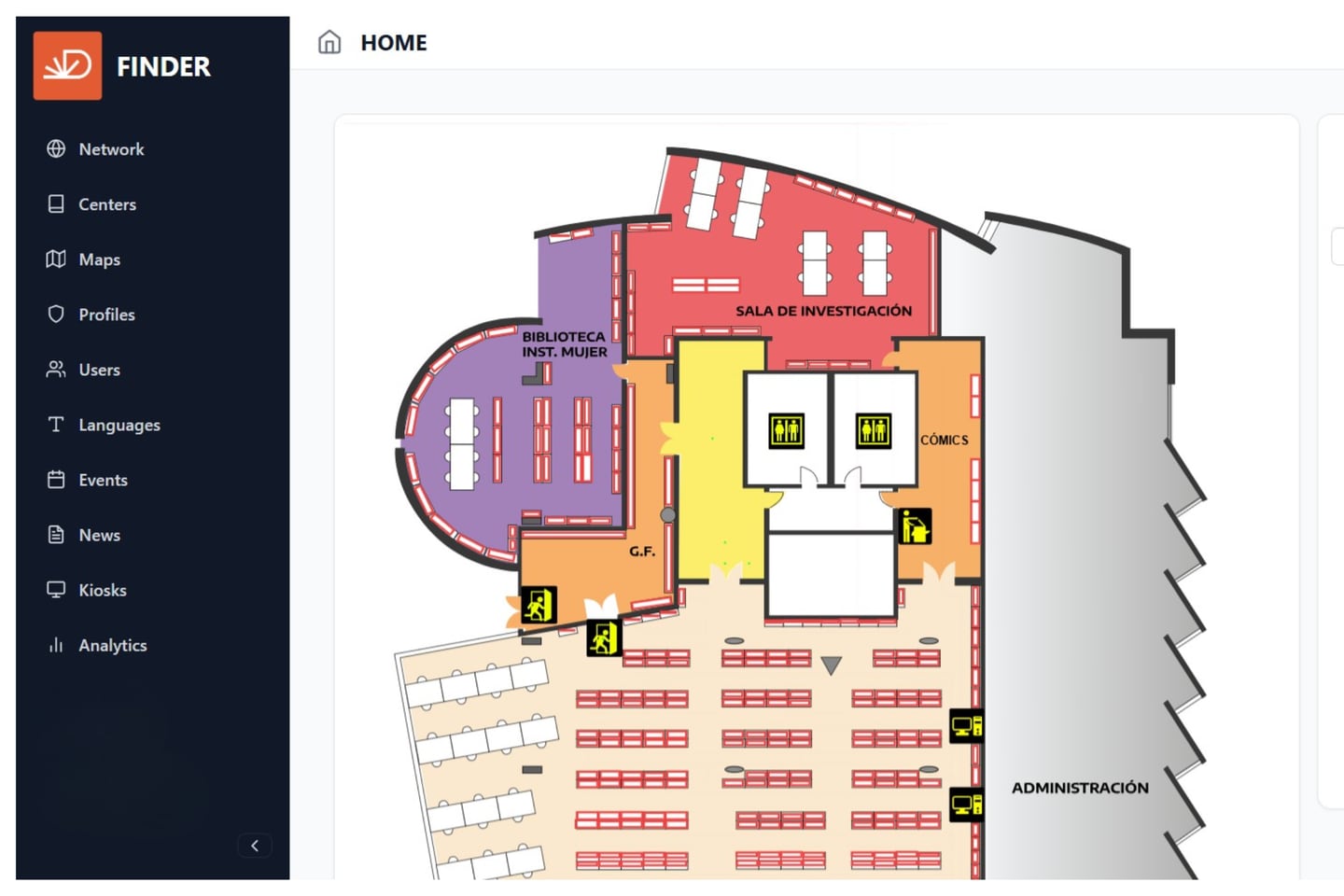
It is where a library team administers everything Finder publishes: the content on the portal and on every display, the locations behind the wayfinding, the languages, the displays themselves, and who on the team can change what. It runs in a browser, on any device, with nothing to install.
-
FAQ
Do you have to install physical displays?
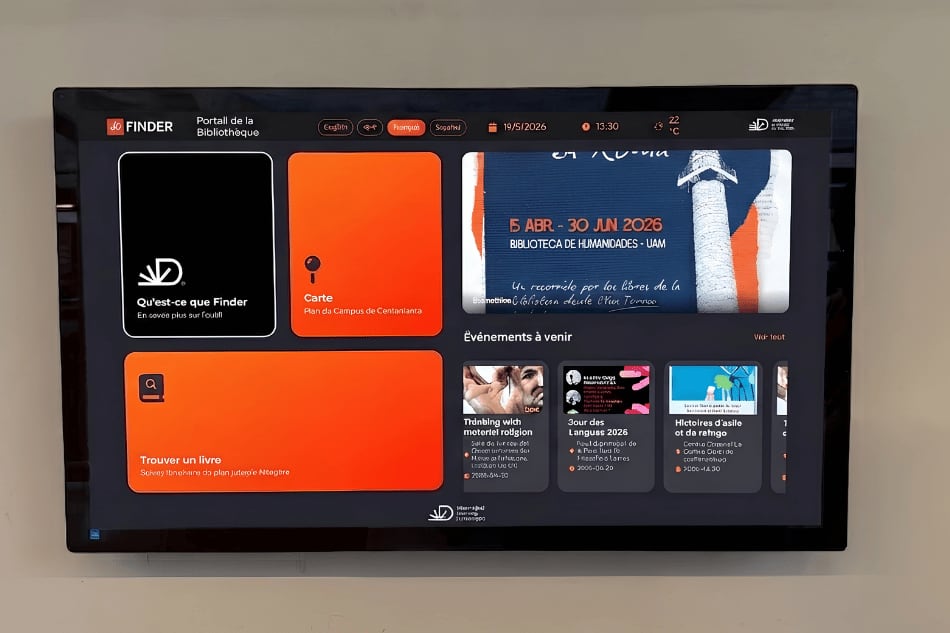
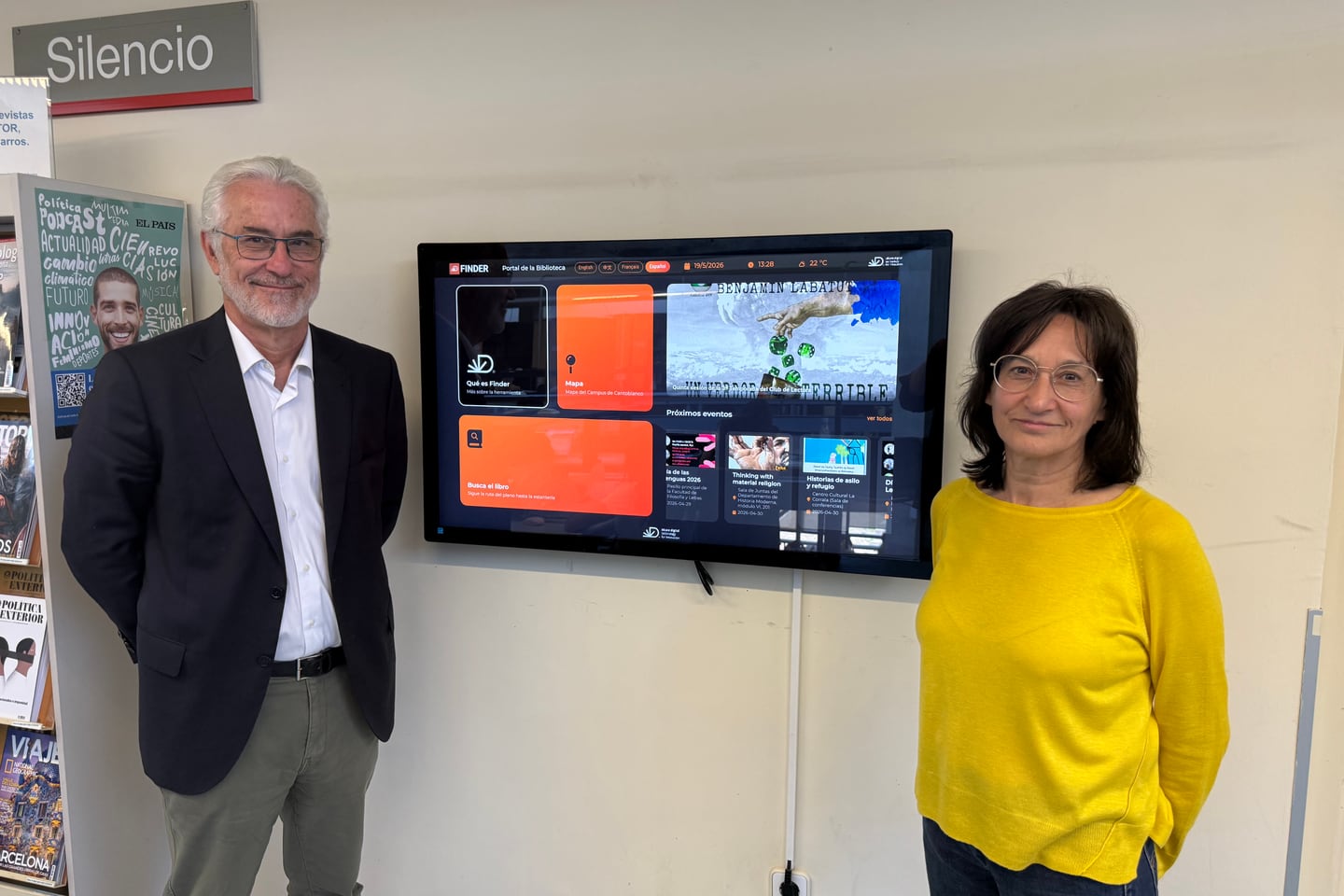
No. Finder can be used through the web alone and integrated into the library's digital journey. The touchscreen displays are for discovery inside the building — an addition to the web experience rather than a requirement for it.
-
Article
If you install only the software, how does it work?
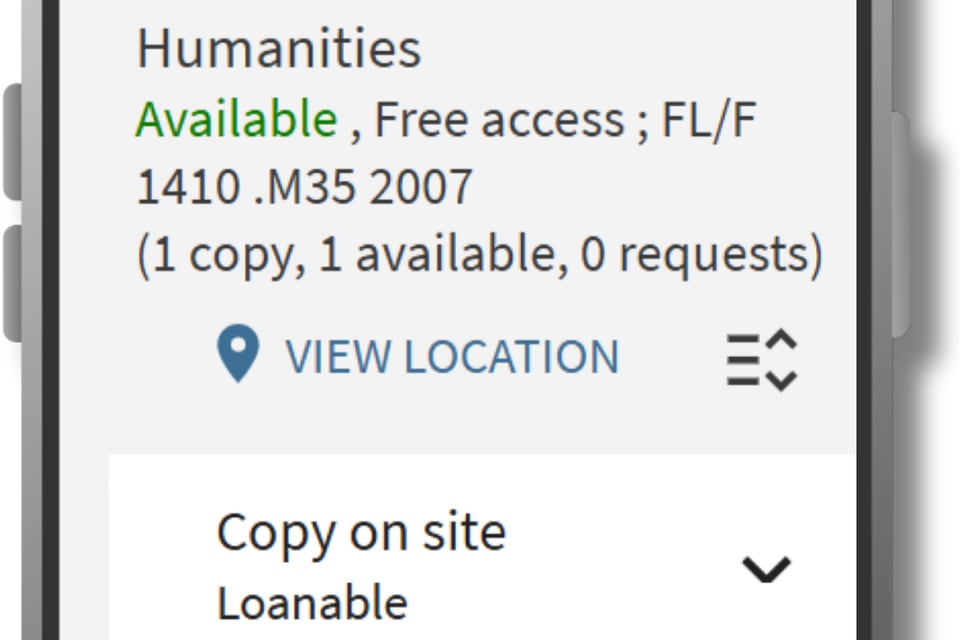
The reader searches the catalogue they already use. Beside an eligible physical item, Finder adds a location action; opening it shows the interactive map with the relevant library, location and call number, on the reader's own screen. Nothing is installed on their device.
-
FAQ
Can readers use Finder in their own language?
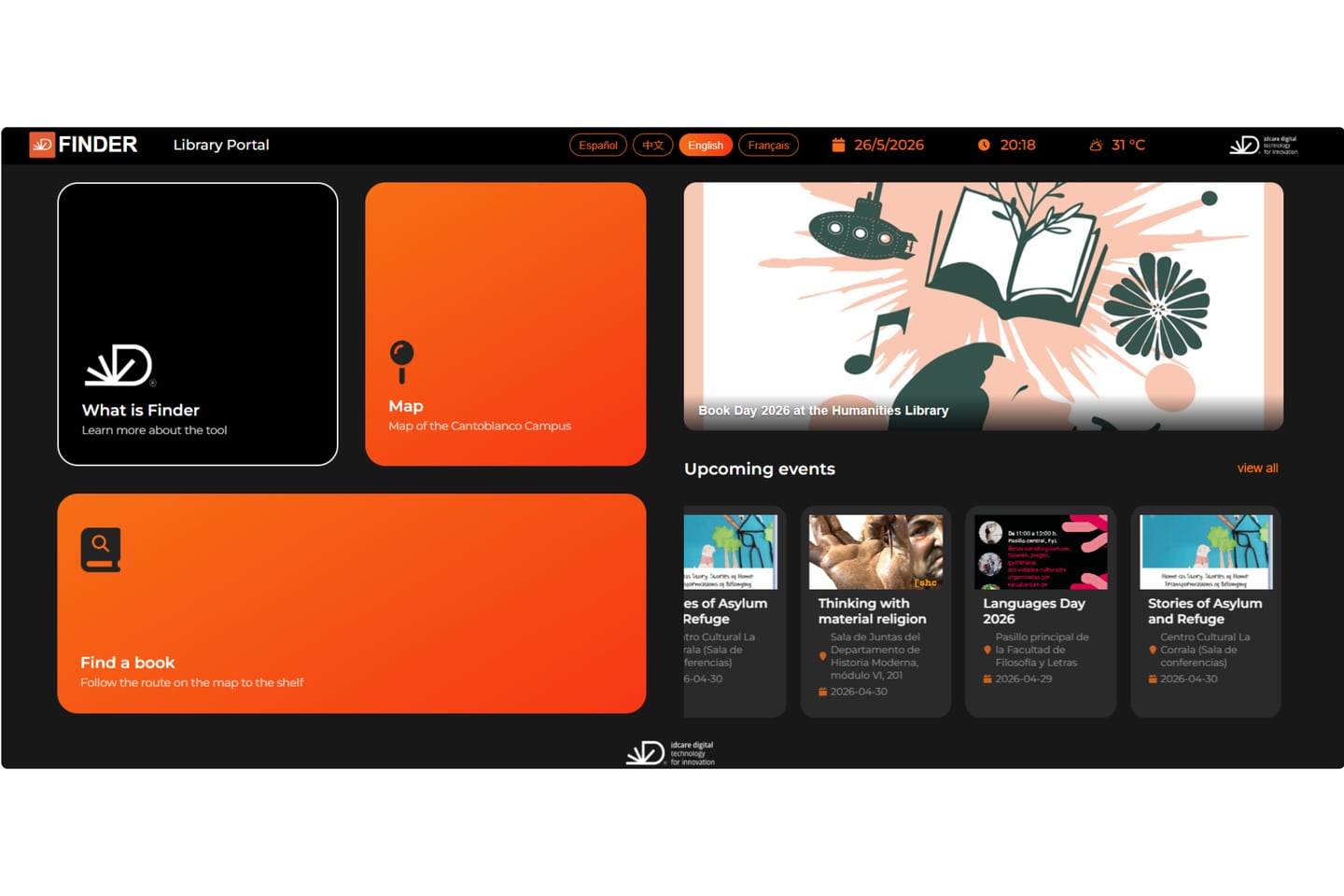
Yes. The portal offers language options the reader picks at the screen, and the dashboard manages both the interface and the content inside it per language — so an event or a notice exists in each language a library publishes in, not only the buttons around it.
See how Finder could work in your library.
Tell us about your collection, building and catalog environment. Our team will show Finder in action, answer your questions and prepare a proposal based on your needs.