FAQ
Do you have to install physical displays?
No. Finder can be used through the web alone and integrated into the library's digital journey. The touchscreen displays are for discovery inside the building — an addition to the web experience rather than a requirement for it.
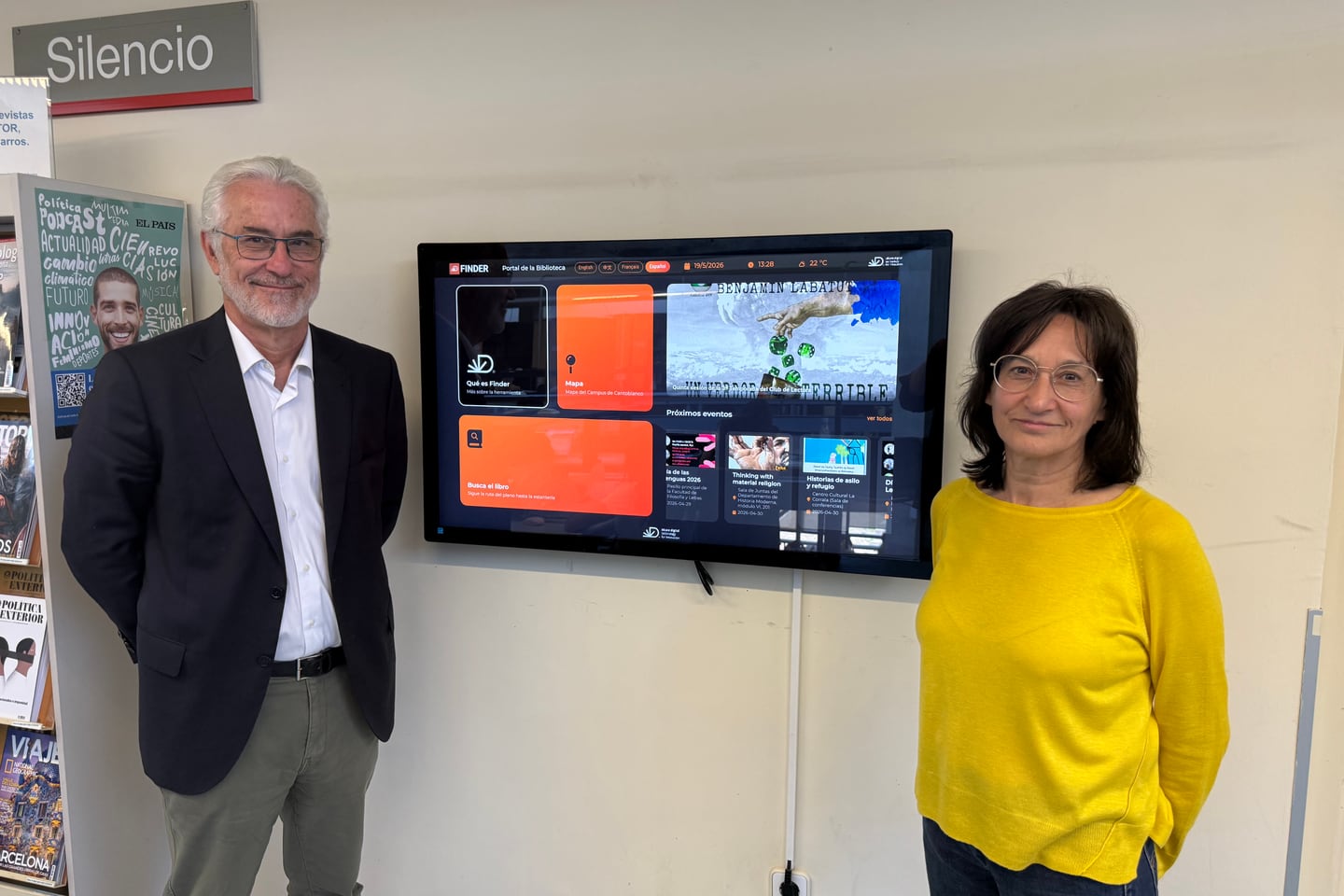
The web is the whole of Finder on its own. A reader searches the catalogue as usual, a location action appears beside an eligible physical item, and the map opens on whatever device they already have in their hand. No display has to exist anywhere in the building for that to work.
What the displays add
They answer the question at the moment somebody is standing in the building with nothing in their hand. Three formats, and the difference between them is where they go rather than what they do:
-
22-inch kiosk — a freestanding unit on its own base, for an entrance or an access point. A thermal printer and an integrated QR reader are available as options.
-
32-inch professional display — vertical, wall or shelving mounted, taking no floor space. Suited to reading rooms and corridors.
-
43-inch large format — a horizontal reference screen for the centre of the library, where visibility matters most.
All three run the same Finder portal and are managed from the same dashboard. That is the part worth knowing before deciding: a library can start with the web and add a display later without changing anything about how the web half works, because there is only one thing to configure either way.
So how do you decide?
How many displays, and where, is a question about a building — its entrances, its floors, where people already stop and look for something. It is the kind of question a walk-through answers and an article cannot. The installation at the Universidad Autónoma de Madrid is the one worked example this site can show you.