How Finder works
Connect the catalog to the physical collection.
Finder adds an intuitive location experience to the library systems and search interfaces your users already know.
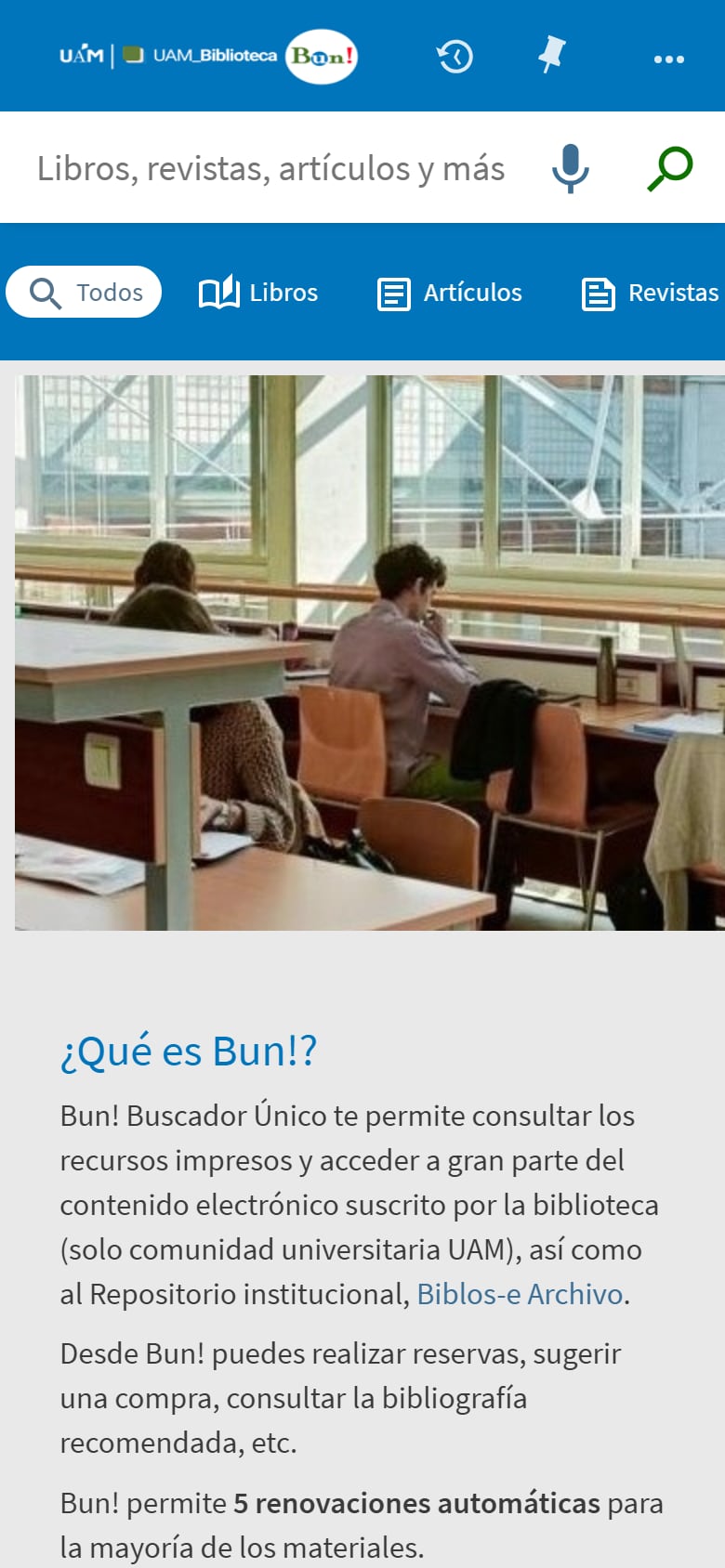
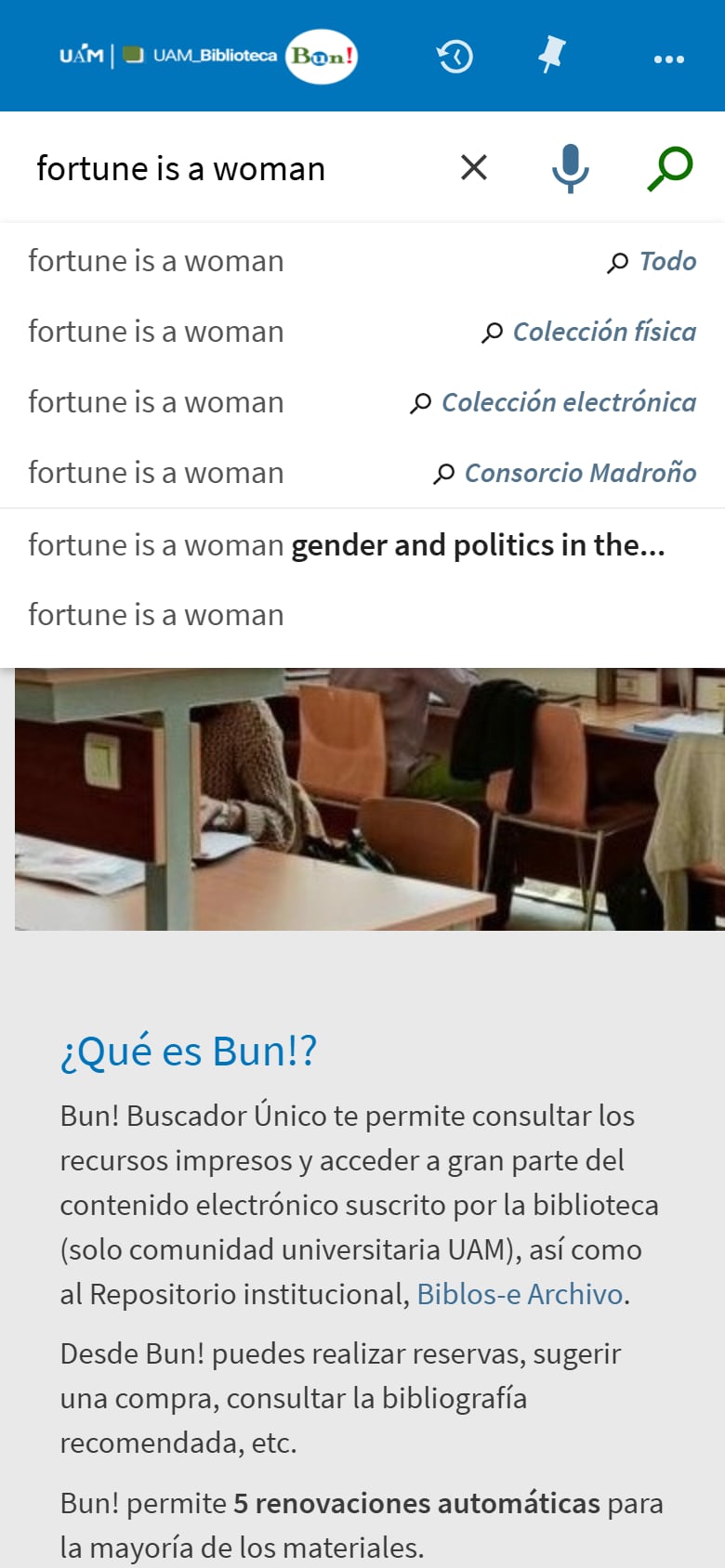
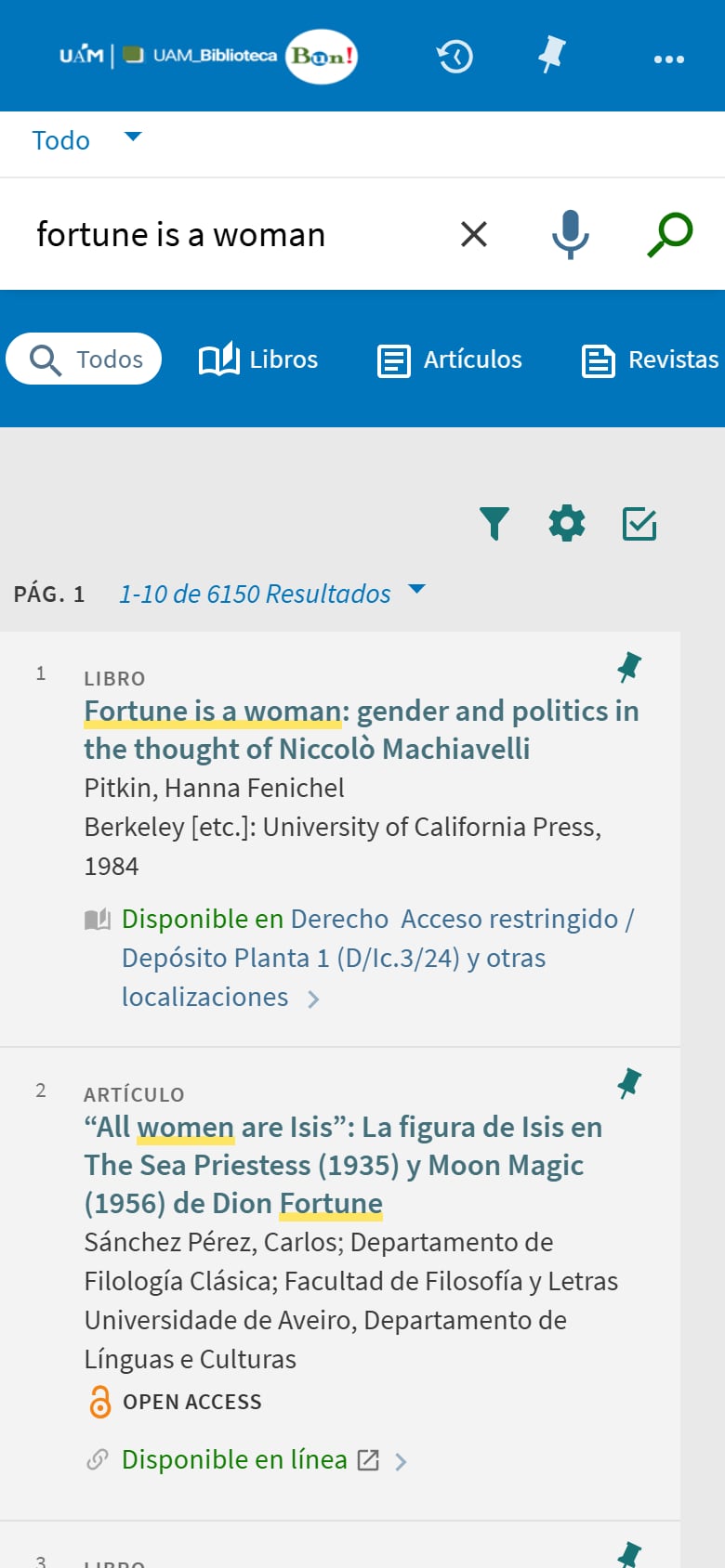
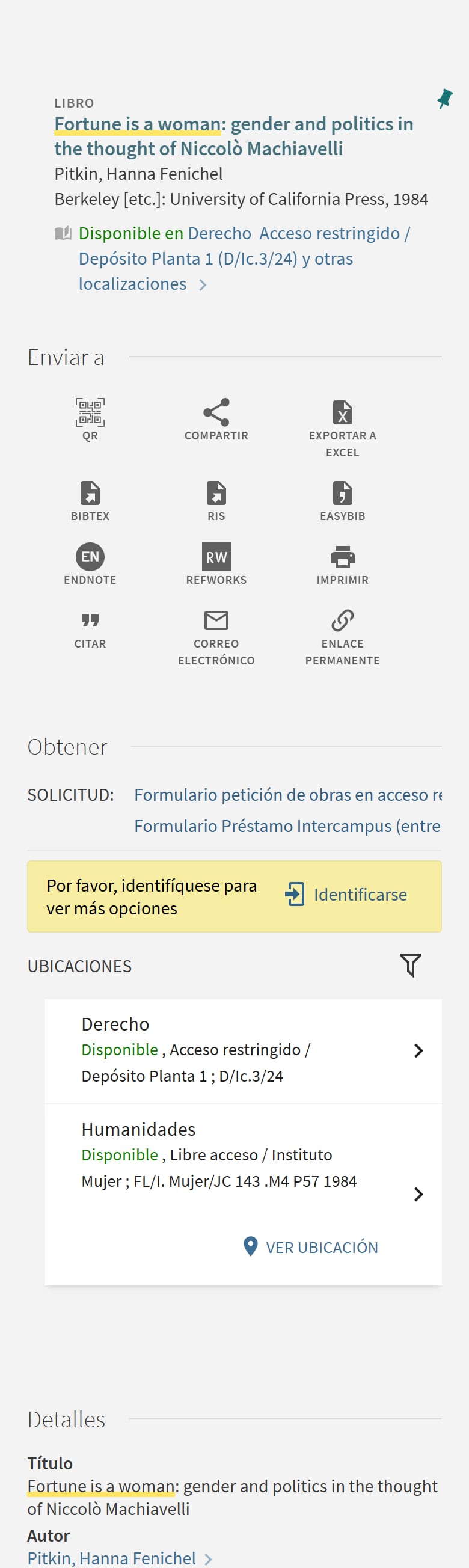

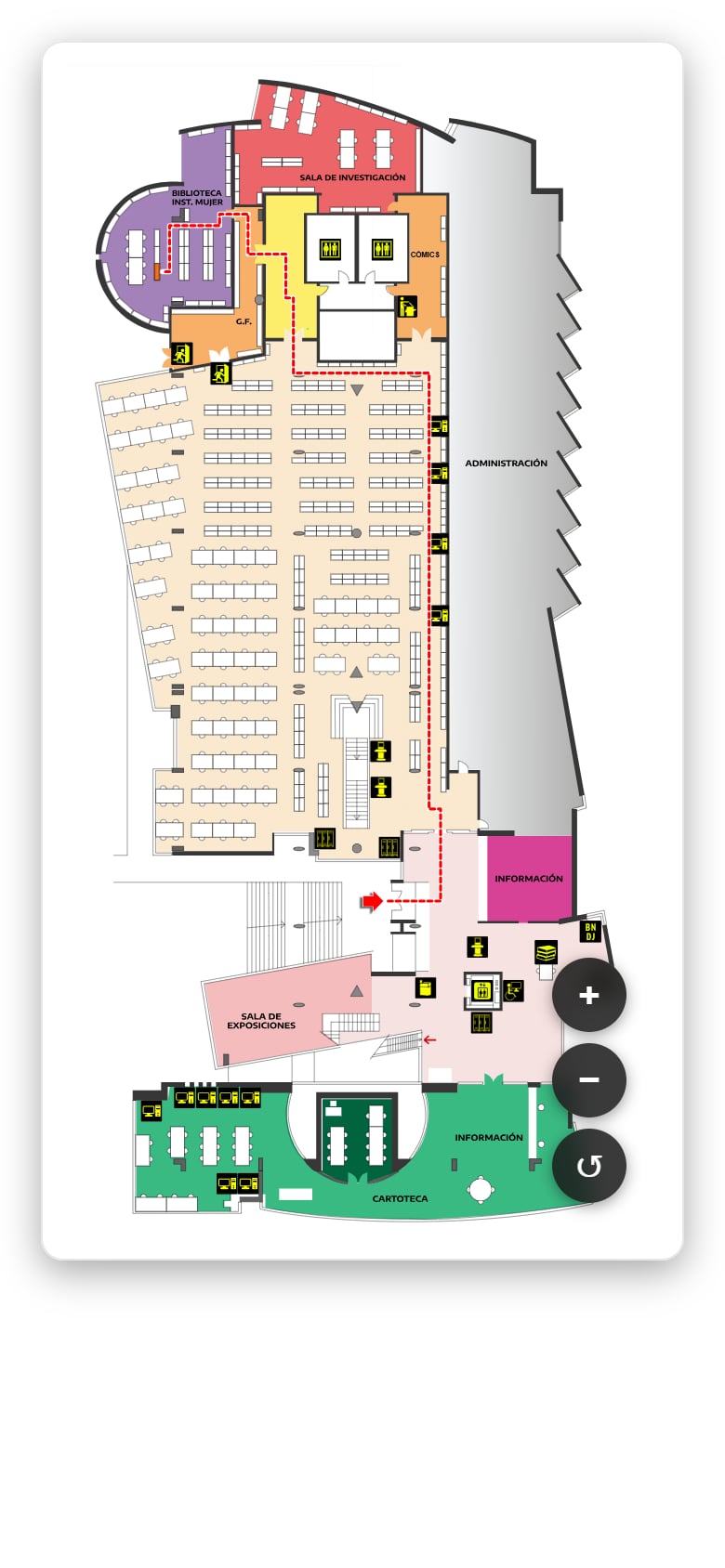
From a catalog result to the map.
- The user searches the OPAC as usual.
- A Locate action appears alongside an eligible physical item.
- Finder opens the interactive map with the relevant library, location and call number.
- The user sees where to go inside the building.
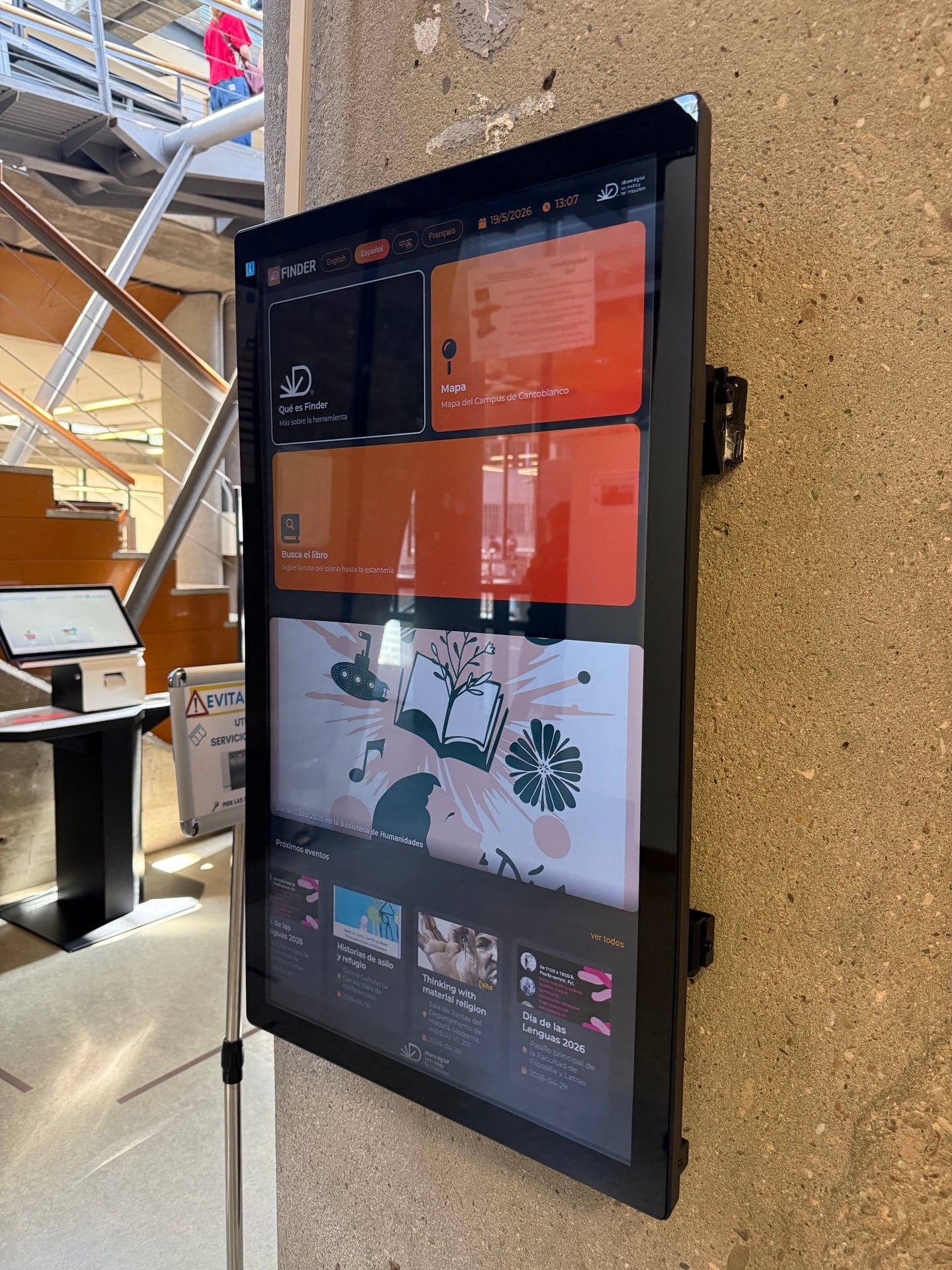
Search directly in the library.
On a Finder touchscreen, users can search by title, author or subject through an interface designed for shared, self-service use. Results include the information needed to open the map and locate the material.
Continue the journey on mobile.
A QR code lets users move the location view from the shared screen to their own device, making it easier to continue towards the collection. It opens in the browser: there is no app to download.
Finder complements your library ecosystem.
Does Finder replace the LMS/SIGB?
No. Finder integrates with the main LMS/SIGB systems and uses the location information needed to guide users.
Does Finder replace the OPAC?
No. Finder complements the OPAC by connecting a search result to a clear visual location.
Do users need to install an app?
No. Finder works through the web and can be accessed from library displays, laptops and mobile browsers.
Keep the Finder experience coordinated.
The Finder management environment helps library teams manage content, locations, languages, screens and access permissions from one place. Available capabilities depend on the selected Finder configuration.
Bring the complete flow into your library.
We will review your current catalog environment, building and user needs, then show how Finder can fit your context.