Article
What can you do from the Finder management dashboard?
It is where a library team administers everything Finder publishes: the content on the portal and on every display, the locations behind the wayfinding, the languages, the displays themselves, and who on the team can change what. It runs in a browser, on any device, with nothing to install.
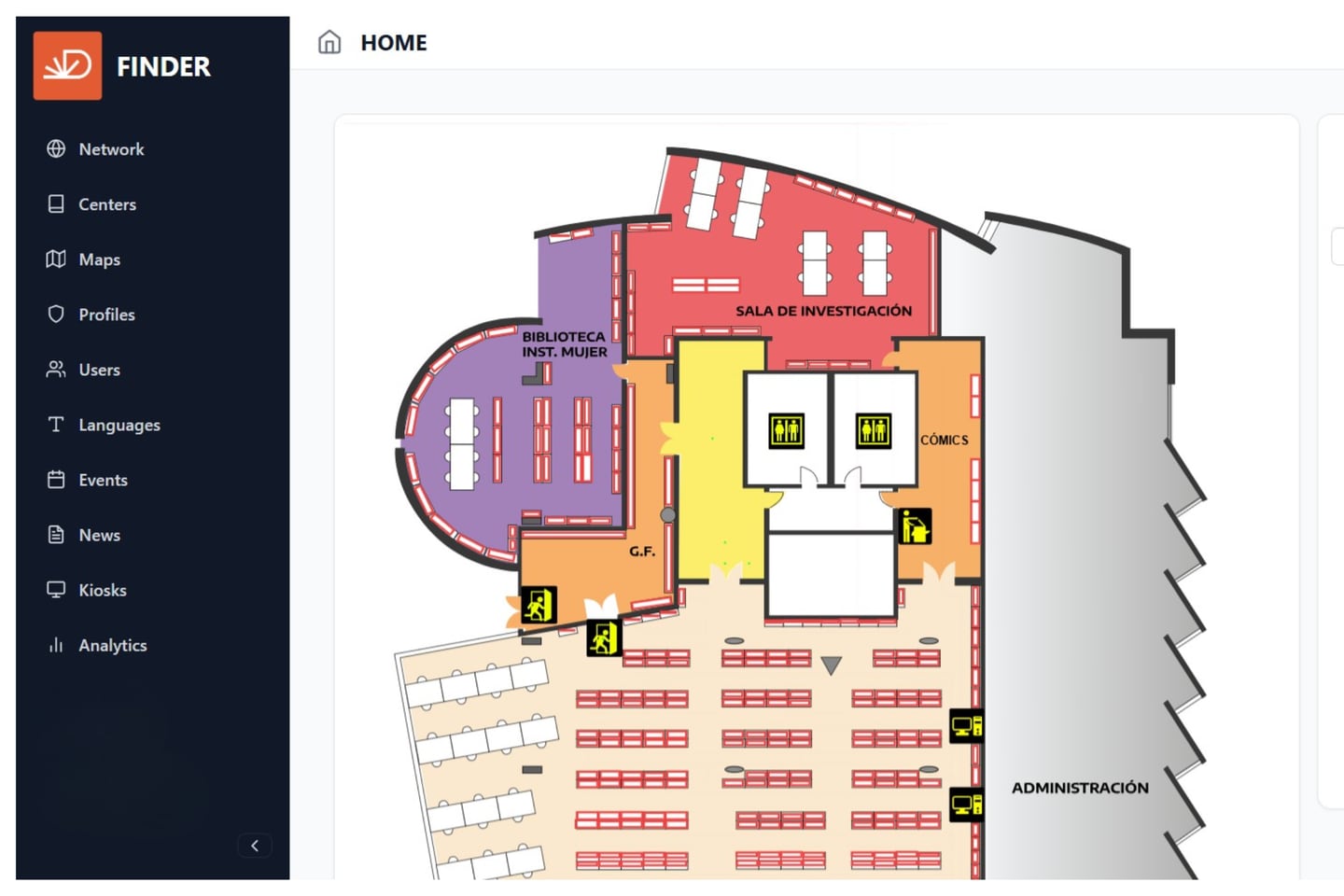
One console for the whole network. Content, events, news and the resources published to the portal and to every display are managed in one place, rather than screen by screen.
News and events. Create, edit and schedule cultural events across the network — one event, published to every display that should carry it.
Display configuration. Assign content by location and by device, across the 22, 32 and 43-inch formats. A screen at an entrance and a screen in a reading room can show different things without being administered as separate systems.
Languages. Multilingual management of the interface and of the content inside it, so an event exists in each language a library publishes in rather than only the buttons around it.
Wayfinding. The catalogue integration, and the locations of the resources available.
Users. Access control, roles and permissions for library staff — so the person who schedules an exhibition is not necessarily the person who redraws a floor plan.
What it is not
It is not the catalogue. Bibliographic records stay in the library management system, which continues to be the system of record; Finder reads the location information it needs and holds none of it.