FAQ
What is Finder?
Finder is a digital location and wayfinding solution that helps library users find physical materials. It connects catalog discovery with an interactive map, so users can move from a search result to the relevant area of the library more easily.
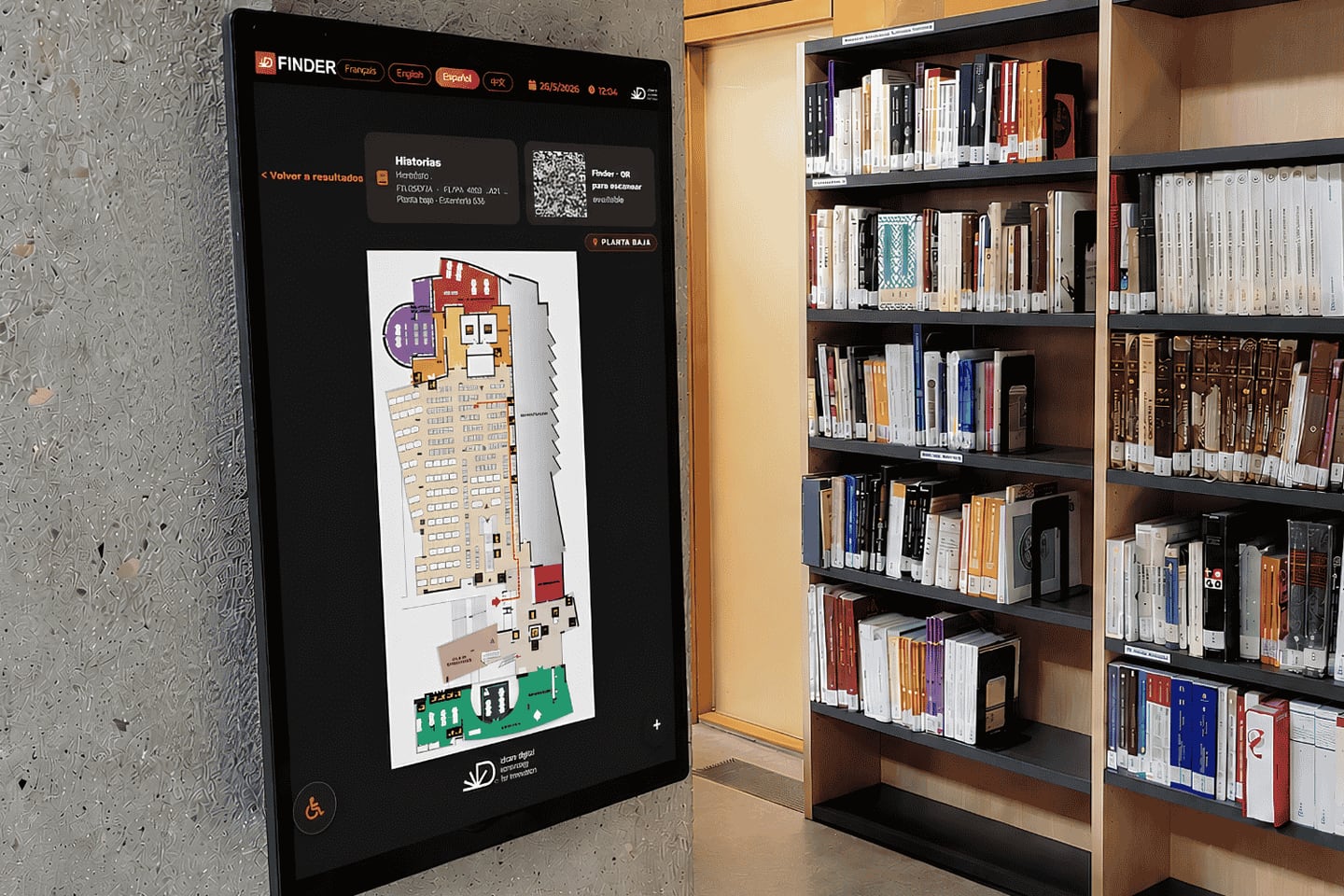
Finder sits between the catalog a library already runs and the building its collection lives in. A user searches as they always have, and where an item is physically present, Finder can show where to go.
It is available in two places at once: on the web, opened from a catalog result, and inside the library on professional interactive displays. Both run the same experience.
Finder complements the OPAC and integrates with the main LMS/SIGB systems used by libraries. It does not replace either of them, and it does not ask users to install anything.