Article
If you install only the software, how does it work?
The reader searches the catalogue they already use. Beside an eligible physical item, Finder adds a location action; opening it shows the interactive map with the relevant library, location and call number, on the reader's own screen. Nothing is installed on their device.
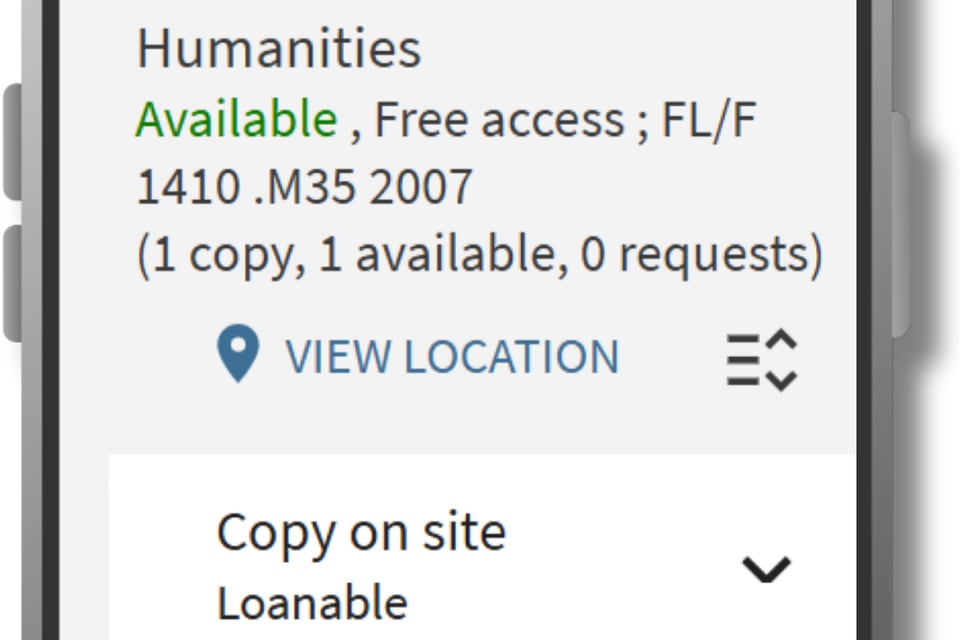
Four steps, and the first one is the point: nothing changes about how a reader searches.
-
The user searches the OPAC as usual. The catalogue they know, the interface the library already runs, the same search box.
-
A location action appears alongside an eligible physical item. Beside the holding, where a reader is already looking to find out whether the item is available and where it is shelved.
-
Finder opens the interactive map with the relevant library, location and call number.
-
The user sees where to go inside the building.
It opens in a browser. There is no application for a reader to install, no account to create and nothing to sign into — which matters more than it sounds for a service used once, in a hurry, by somebody who is already standing in a library.