FAQ
Can readers use Finder in their own language?
Yes. The portal offers language options the reader picks at the screen, and the dashboard manages both the interface and the content inside it per language — so an event or a notice exists in each language a library publishes in, not only the buttons around it.
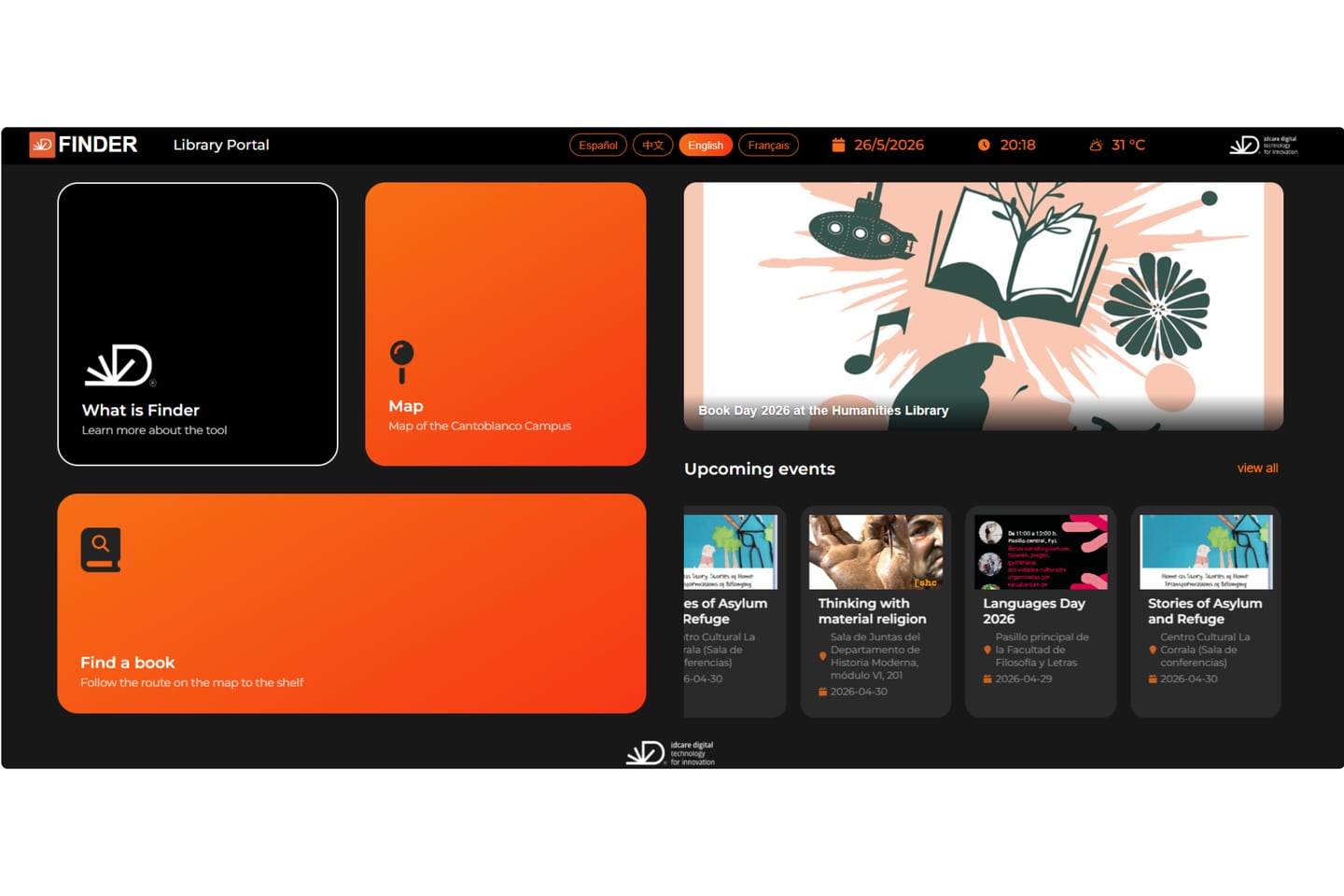
A reader chooses the language at the screen, in the header of the portal, and the whole experience follows — including the location view they open from a search result.
Finder supports many languages. Which ones a particular library offers is settled with the library when the installation is set up: the languages it wants to publish in are chosen and configured. That distinction matters when the question is being asked for a tender: it is not “does the product support language X”, it is “which languages should this library publish in”.
The half that is easy to forget
Translating an interface is the small part. The dashboard’s Languages section covers multilingual management of both the interface and the content in it — so a library that publishes an exhibition notice, an opening-hours change or an event does so in each language it serves, rather than showing a translated menu wrapped around a notice only some of its readers can read.
That is the difference between a localised product and a multilingual service, and it is a difference readers notice immediately.
Why libraries ask
International students and visiting researchers are the obvious case. The less obvious one is a reader who is perfectly comfortable in the local language and simply reads faster in their own — at the moment they are standing in a building trying to find one item, that is not a small thing.